Knowledge Base
Categories: Builder Legacy
Builder brands: How to add a Join My Mailing List form from Constant Contact
A great way to expand your following is by gaining contacts through a pop-up sign-up form created by Constant Contact. By creating the form and adding the code to your website, you can convert your visitors into contacts and interact with them via email.
Adding a Join My Mailing List form from Constant Contact
- Start by logging into your Constant Contact Email Marketing account to copy the universal code for your sign-up form.
- Log in to your account via https://www.networksolutions.com/my-account/login.
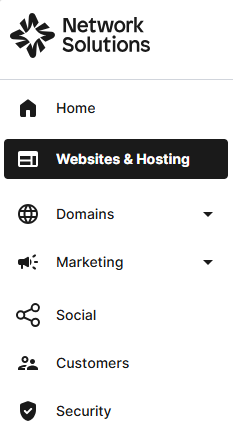
- Click Websites & Hosting from the left navigation menu.
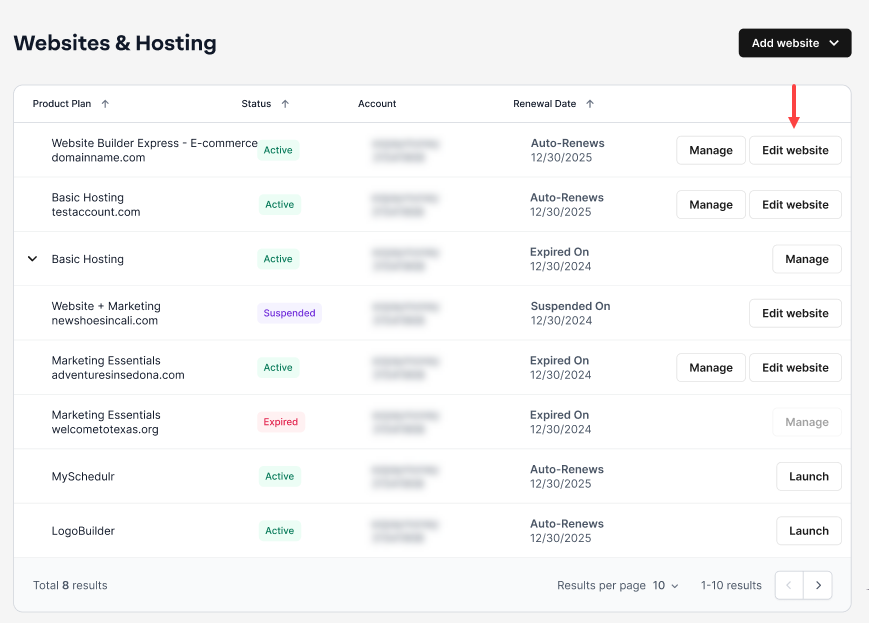
- If you have a single website builder in the account, you will be redirected to the Website Builder dashboard. If you have multiple website builder accounts, click the Edit website button on the respective website package that you need to access.
- Launch your website editor by choosing Edit Site.

- Go to Settings.

- Click HTML injection from the menu.

- Navigate to the Head HTML tab.

- Paste your Universal code inside the text box.

- Hit Apply to proceed.

- Click Save and Publish to make it live.

Note: If you need help adding the code to your Constant Contact website or have any other questions, please contact our support team.
Get practical tips and product updates on LinkedIn.
Follow Network Solutions
Did you find this article helpful?