Knowledge Base
Categories: Builder Legacy
Builder brands: Adding Google Analytics and HTML code to the Express editor
- Log in to your account via https://www.networksolutions.com/my-account/login.
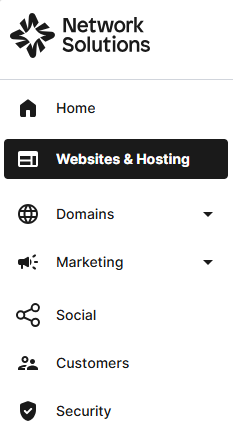
- Click Websites & Hosting from the left navigation menu.
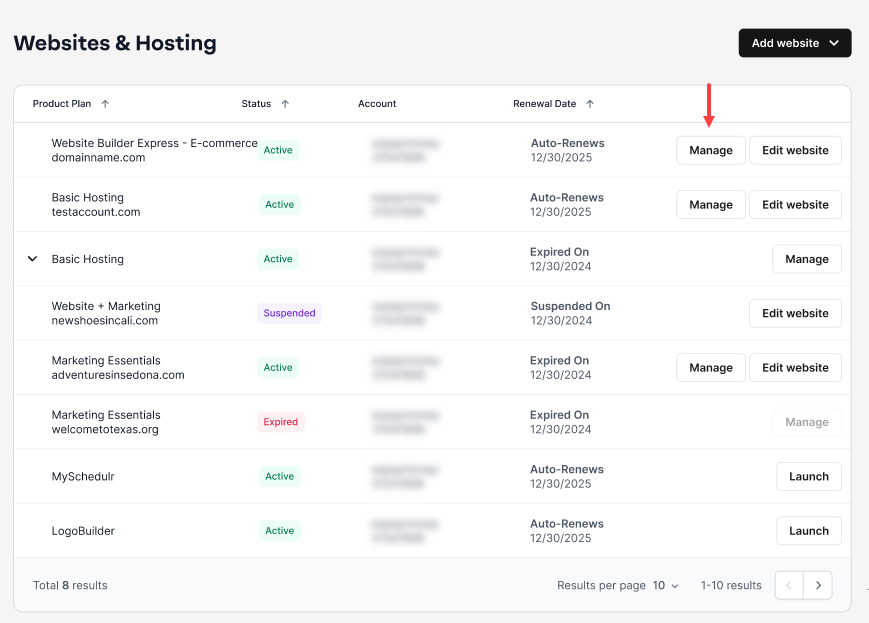
- Navigate to the hosting package that you want to access with Website Builder, then click Manage to continue.
- On your Website Builder dashboard, tap Edit Site.

- Go to the Settings tab on the left of the editor.

- Then, select HTML Injection from the left menu.

- From here, paste your HTML code into the provided space.

Important: You can add HTML to your site's header or the Body end/Footer by using the tabs at the top. - Choose Apply at the bottom of the window when your code is added.

- Finally, to apply your code to the live version of your site, make sure to press the Publish button.

Important: You can refer to this guide for using the Google Analytics tag directly from Google for more assistance.
Get practical tips and product updates on LinkedIn.
Follow Network Solutions
Did you find this article helpful?