Knowledge Base
Categories: Builder Legacy
Builder brands: Enabling your sitemap within the Express editor
Adding a sitemap to your website is excellent for helping your site's ranking on Google and helping your site meet ADA requirements. With the following steps, you can generate a sitemap link in the footer of your website that stays up to date with all changes and updates you make live to the public.
- Log in to your account via https://www.networksolutions.com/my-account/login.
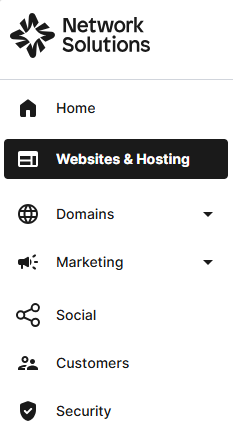
- Click Websites & Hosting from the left navigation menu.
- Navigate to the hosting package that you want to access with Website Builder, then click Manage to continue.
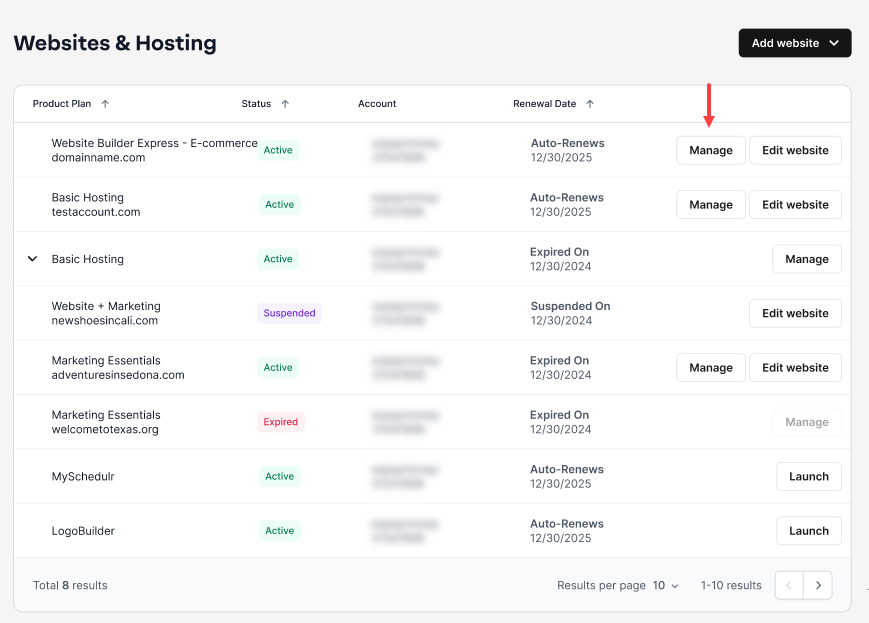
- To launch your website editor, click Edit Site.

- Scroll to the bottom of any page so that the Footer section is selected and outlined in blue.

- In the setting on the right, click the bottom toggle next to Sitemap to enable a text link within the footer. This will appear in the footer of all pages once enabled.

- Click Save, then Publish to see all the changes go live.

Get practical tips and product updates on LinkedIn.
Follow Network Solutions
Did you find this article helpful?