Knowledge Base
Categories: Builder Legacy
Builder brands: Multi-location sites in the Express editor
Adding multiple business locations
Adding multiple locations is beneficial to display the information regarding each place of your business, whether it's hours of operation, different menu options, pricing, or a different map you would like to display for each of the business addresses.
- Log in to your account manager via https://www.networksolutions.com/my-account/login.
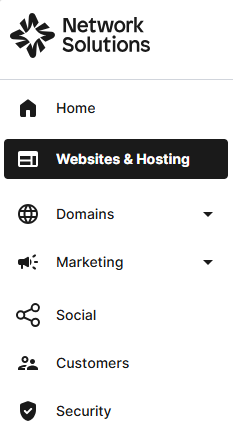
- From the left-hand menu, click the Websites & Hosting tab.
- Navigate to the hosting package that you want to access with Website Builder, then click Manage to continue.
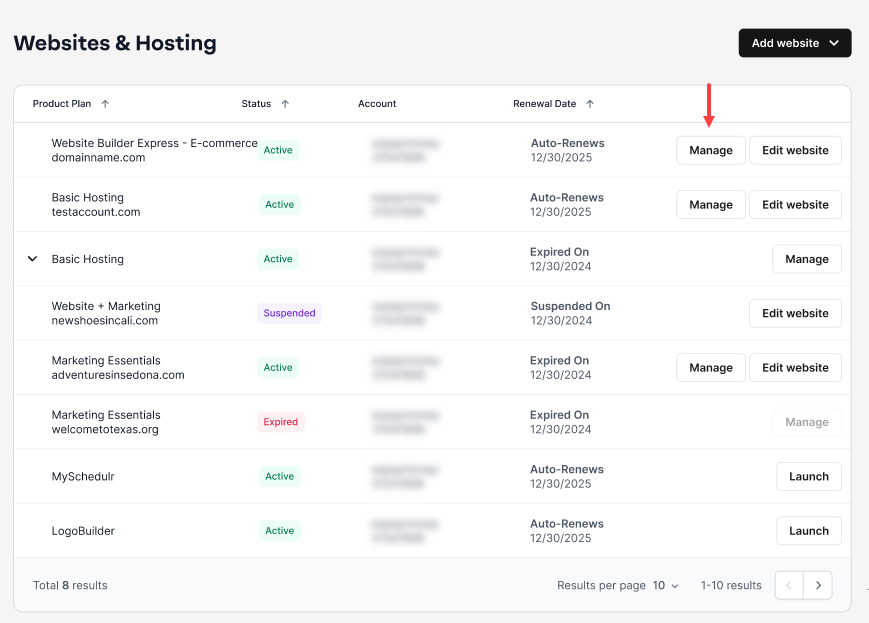
- Launch your website editor by choosing Edit Site.

- Go to Settings, then click My Business and enter your location details in this section of your page.

- Click Add Location to save and add another location, or click Apply to save your changes and exit from this section of your page.

Adding a second location map to a page
- Navigate to your location page and click Sections, then click Address, and choose a layout of your preference on the right panel.

- Your section will appear in your editor. Make sure the right-hand sidebar says Address at the top.

- Hover your mouse on the Address section, and click on the gear icon.

- Choose which Location you would like displayed.

- Be sure to Save and Publish your changes to make them live.

Get practical tips and product updates on LinkedIn.
Follow Network Solutions
Did you find this article helpful?