Knowledge Base
Categories: Builder Legacy
Builder brands: Setting up payments in the Booking tool
To begin collecting payments for services offered from your Booking tool, you’ll want to make sure you have a Business PayPal Account and a PayPal.Me link set up. Once you have these, you will be able to link them to your bootable services and collect and track payments online.
Linking PayPal.Me to your Booking tool
- Log in to your account via https://www.networksolutions.com/my-account/login.
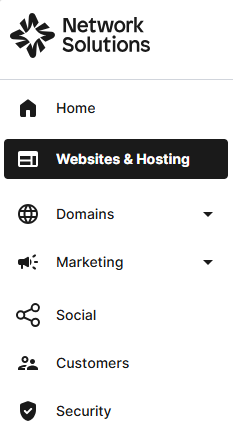
- Click Websites & Hosting from the left navigation menu.
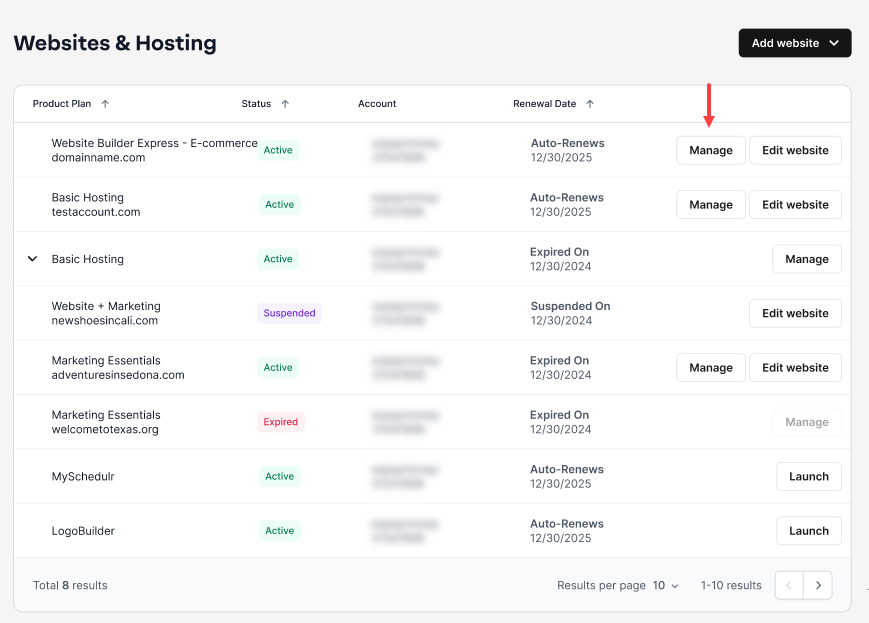
- Navigate to the hosting package that you want to access with Website Builder, then click Manage to continue.
- Go to Bookings, then tap Set up Bookings for the site you wish to modify.

- Select Settings from the menu.

- Navigate to Payment Method and click Add Payment Method.

- Scroll down to find the Payment section. Tap the switch control to enable the Collect payments to proceed.

- Add your PayPal.Me username/link.

- Click Save to apply this to your booking page. You can now send and collect payments for services booked from these pages. A link will be added to some of your automated emails to allow your clients to pay online for a seamless experience.

Get practical tips and product updates on LinkedIn.
Follow Network Solutions
Did you find this article helpful?