Builder brands: Step up your Webdesign by using dividers
We have added section dividers to the Express editor. This enables one to add dividers to the top of a section, making the flow of the site more organic and personalized. The divider feature can be found under the Background tab in the editor settings.
In this article, we will cover:
How to add and use a divider
- Log in to your account via https://www.networksolutions.com/my-account/login.
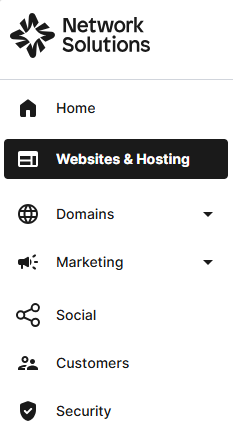
- Click Websites & Hosting from the left navigation menu.
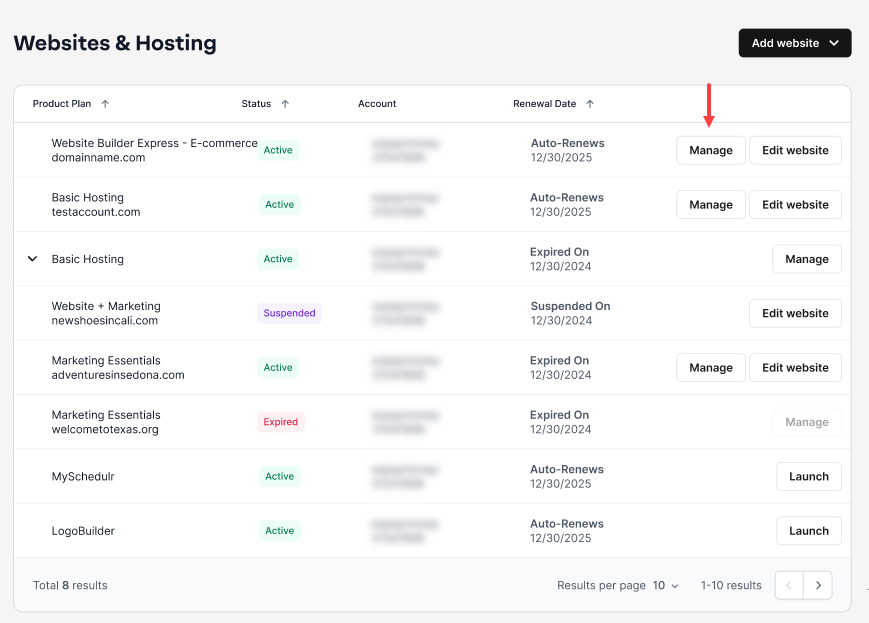
- Navigate to the hosting package that you want to access with Website Builder, then click Manage to continue.
- Select the page and section you want to edit from your Express Editor, then click on the Background tab under Cover Image.

- Select Divider and toggle it on by clicking the Toggle Switch.

- When you toggle the Divider feature on, a menu with options will appear:

- Style: Pick the style of your divider.
- Height: Set how high you want the divider.
- Orientation: Flip the divider vertically or horizontally.
- Layers: Some dividers have the option for multiple layers.
- Content offset: Adjust where in the section the divider is placed.
How to select a divider style
- Go to the Background tab from the Cover Image settings. Under Divider Settings, navigate to Style.
- Click the drop-down to select your preferred Divider Style.

Examples of divider styles


Review
This support article effectively introduces the new Section Divider feature within the Builder Brands Express editor, explaining how it helps users create a more organic and personalized website flow. By providing clear navigation steps (Express Editor > Cover Image > Background tab > Divider) and breaking down key customization settings like Style, Height, Orientation, Layers, and Content Offset, the guide equips non-technical users to elevate their site's visual design. It serves as an actionable, low-friction guide that enhances design flexibility without requiring custom CSS or coding
Get practical tips and product updates on LinkedIn.
Follow Network Solutions