How to access the Website Builder in Network Solutions
Creating a website has become easy and convenient with the help of website builders, thanks to their range of benefits. They are user-friendly, customizable, and offer SEO tools that can help improve your website's visibility. With our easy-to-use Website Builder, you can create a highly advanced website or online store with the features, tools, and guidance you need.
Select the option below to view the steps on how to access your Website Builder via your Account Manager.
Learn how to manage and edit your website using your Website Builder.
I have a website package
Below are steps to access the Website Builder included in your website package.
- Log in to your account via https://www.networksolutions.com/my-account/login.
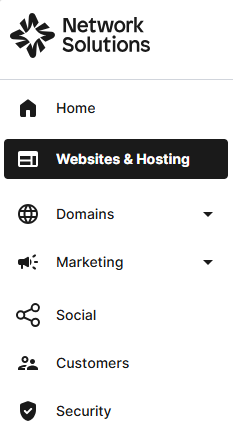
- Click Websites & Hosting from the left navigation menu.
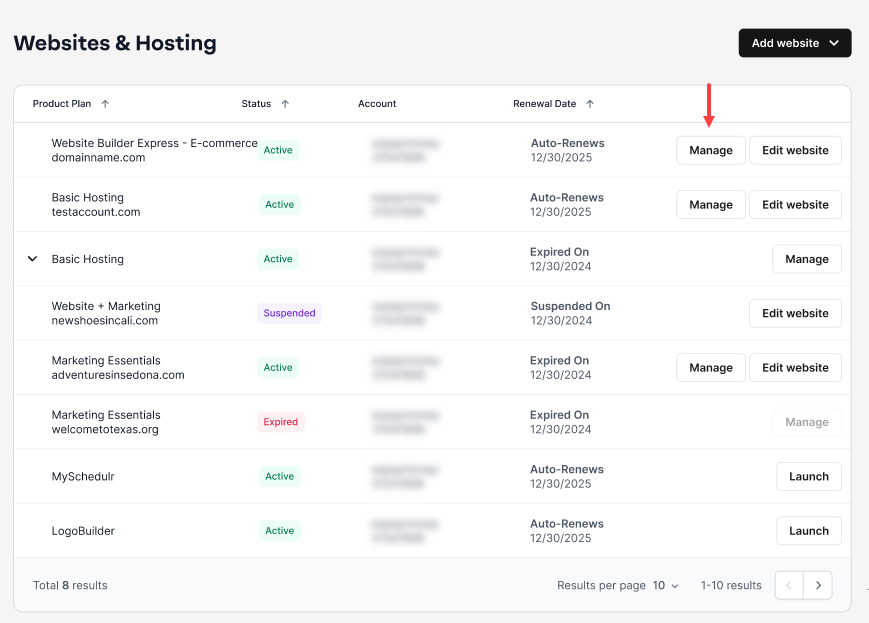
- Navigate to the Website Builder that you want to access for, then click Manage to continue.
I have a hosting package
Below are steps to access the Website Builder included in your hosting package.
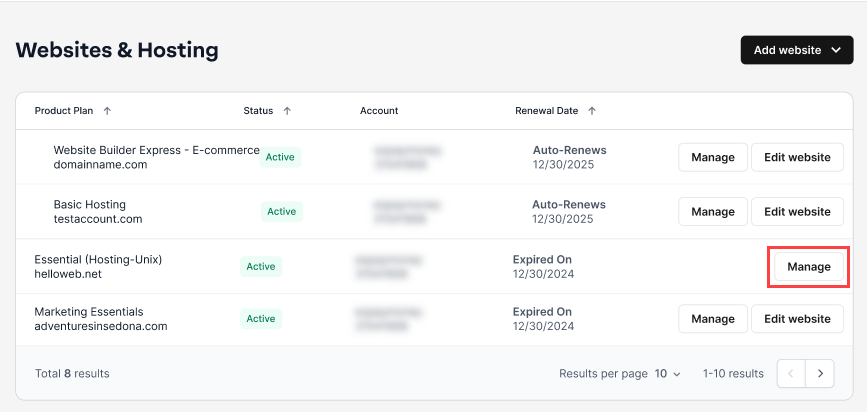
- Navigate to the hosting package that you want to access the Website Builder for, then click Manage to continue.
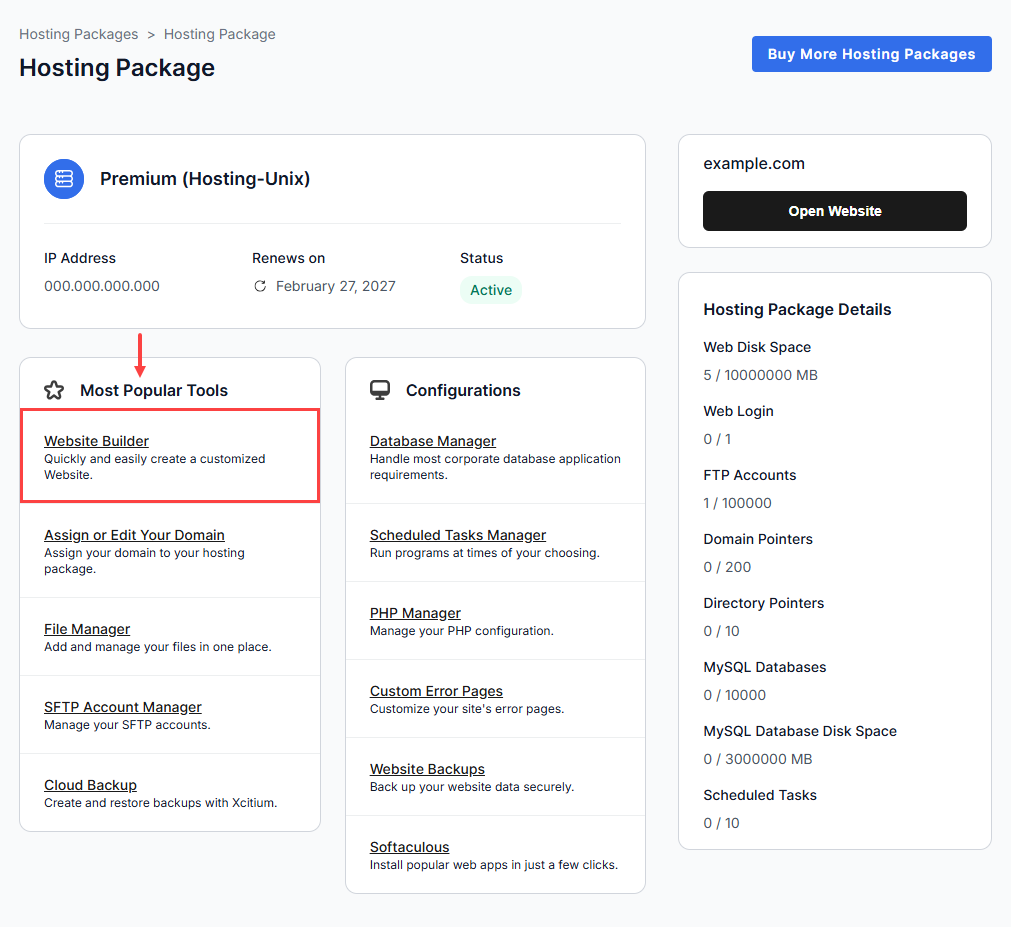
- Go to Most Popular Tools, and select Website Builder to proceed.
- You can also navigate to the SFTP & Content Publishing section, then click Website Builder.

I have an eCommerce package
Below are steps to access the Website Builder included in your e-commerce plans.
- Navigate to the eCommerce package that you want to access the Website Builder for, then click Edit website to continue.
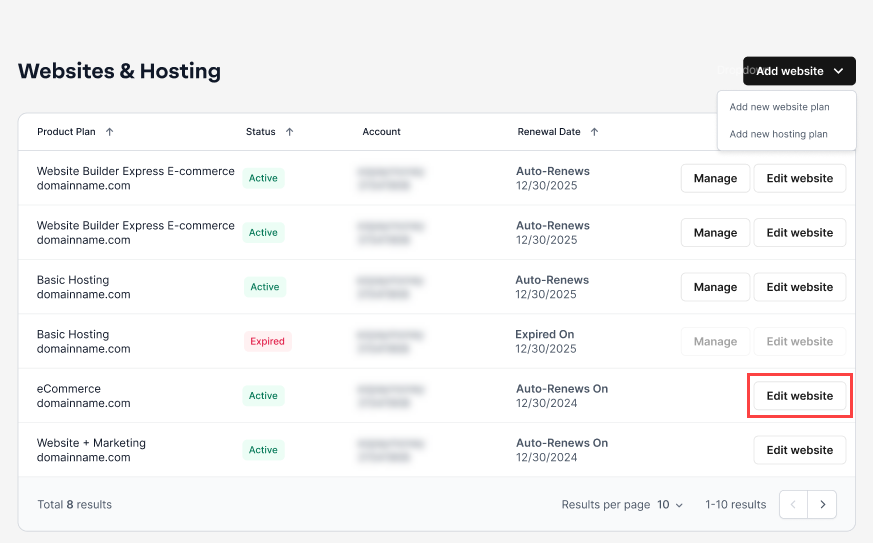
You have successfully accessed your Website Builder.
Review
You can easily access the Website Builder through your Network Solutions Account Manager, whether you have a website, hosting, or eCommerce package. Simply log in, select the appropriate product from the left menu, and launch the Website Builder to start managing and updating your site.
Get practical tips and product updates on LinkedIn.
Follow Network Solutions