Knowledge Base
Categories: iPage Legacy
iPage: Hosting tools - File Manager
File Manager
- Log in to your account
Hosting Summary
- Click on
File Managerin the left panel
Access, edit and manageall of your website files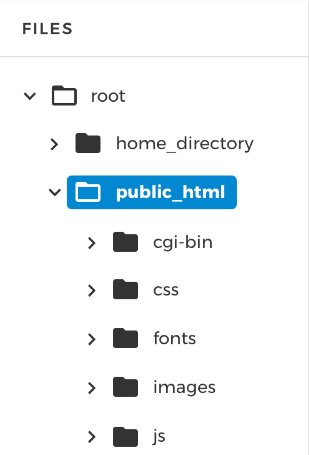
Open directoriesby clicking the arrow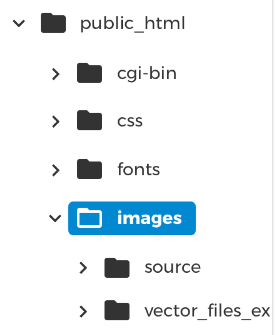
- Upload new files or folders with the
Upload button
Selectthe items you wish to upload and click onOpen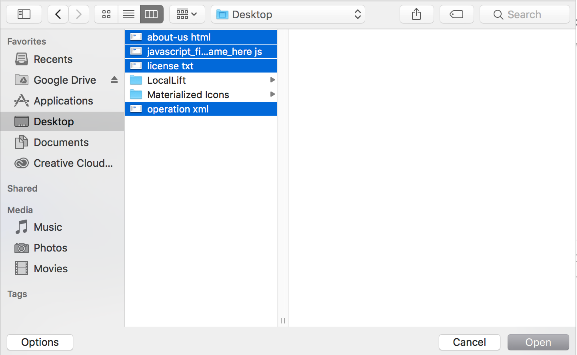
- You will see the
upload progressas shown in this image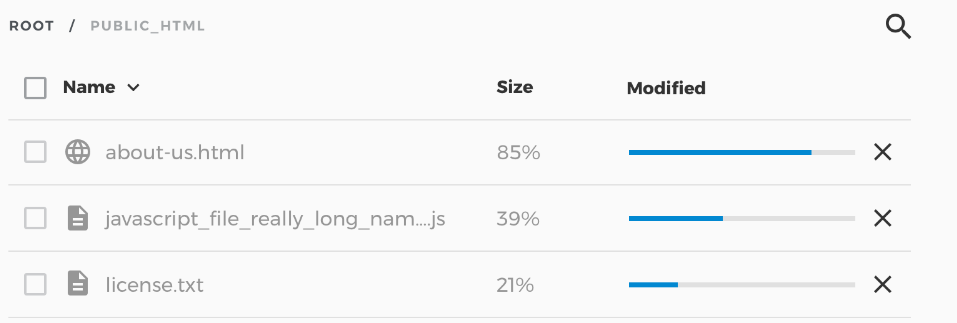
- A
popup boxwill inform you of the progress
Createnew files or folders by clicking on the +New button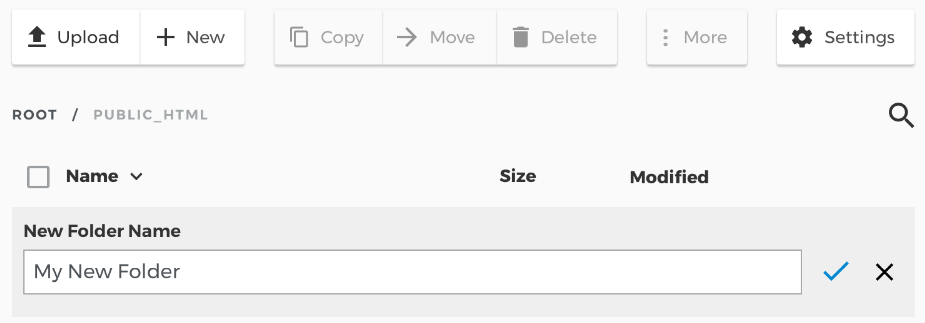
Name the file or folderand select the check when you are done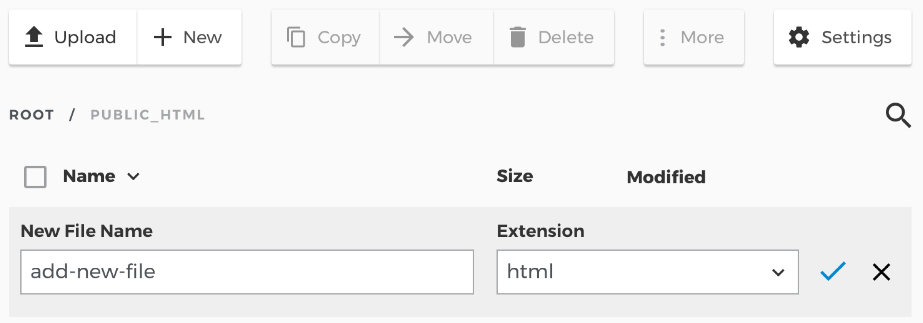
Settingsallow you to Show System Files or toggle the Richtext HTML Editor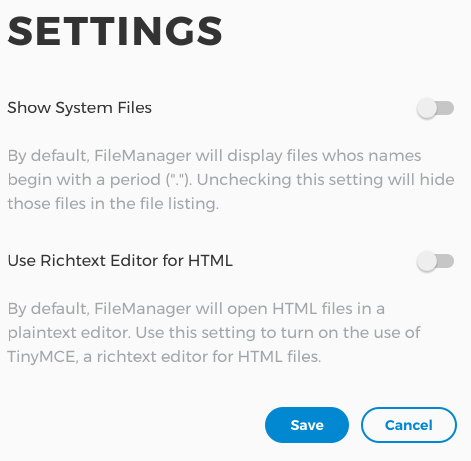
- Type
search itemsinto the search field
- In this case, the results for the term
"image"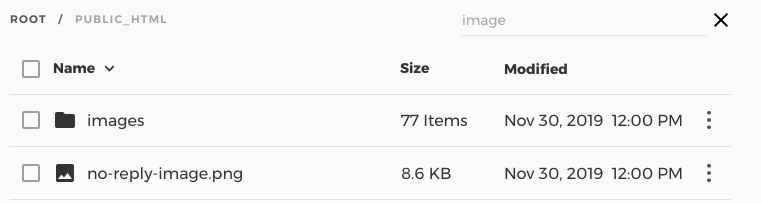
Selectindividual items or everything by check the selection box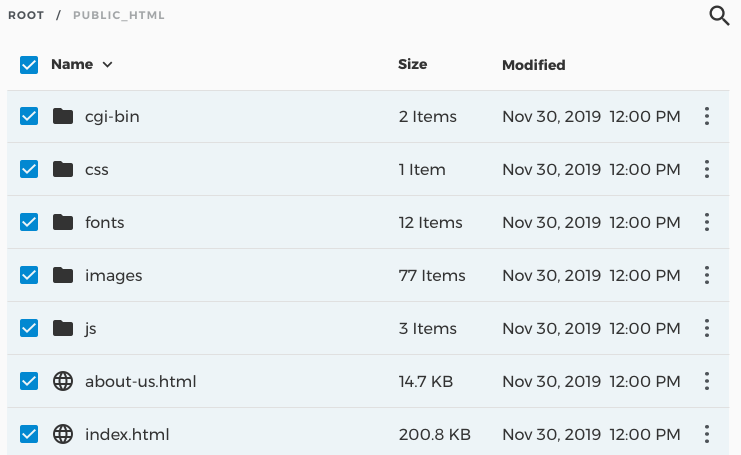
- Click the 3 dots, the
More menufor additional options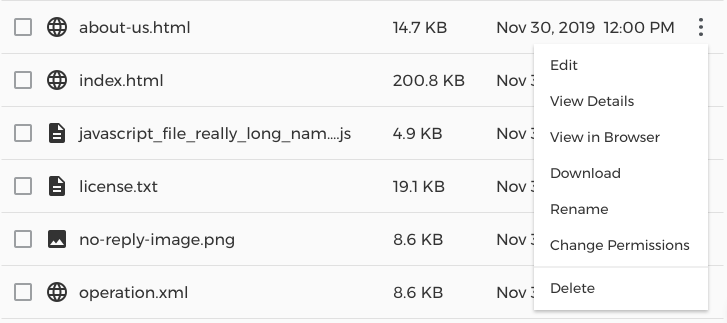
Edit, on the options menu, opens the raw file for editing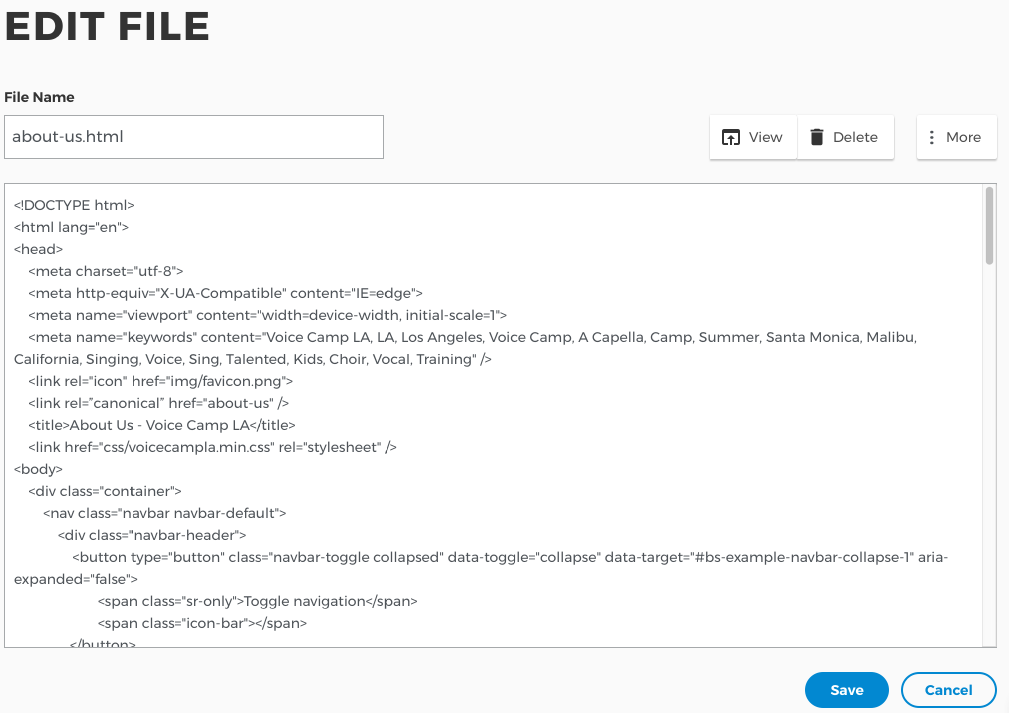
View details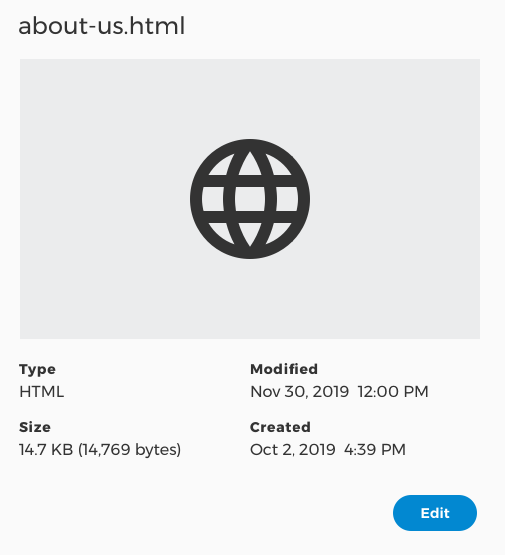
Renamea file or folder, check when you are done
Change permissionson a file or folder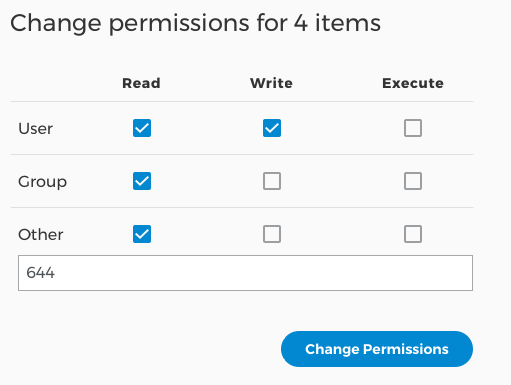
File Manager is a powerful tool, use with care!
Get practical tips and product updates on LinkedIn.
Follow Network Solutions
Did you find this article helpful?