Knowledge Base
Categories: iPage Legacy
iPage: VPS and Dedicated Hosting - How to add a new package with WHM
VPS and Dedicated Hosting: How to Add a New Package with WHM
Setting up an additional package within WHM is vital for your clients to set up their websites and WHM. This is your guide to help you to achieve your goal.
You will need to log in to WHM. Please see this article for guidance on logging in to WHM first. Once you are in, you can proceed with the steps below.
- Once inside the WHM, click Add a Package. This is located at the landing screen.
Note: If a package name is preceded by a reseller’s username and an underscore, only that reseller can see the package.
- Select a
Package Name.
- The
Resoucessection will help you adjust the resources of the package.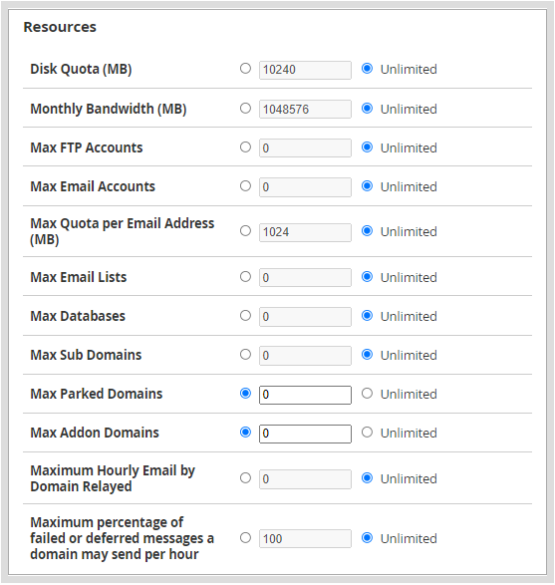
- Select additional features for this package inside this
Settingssection.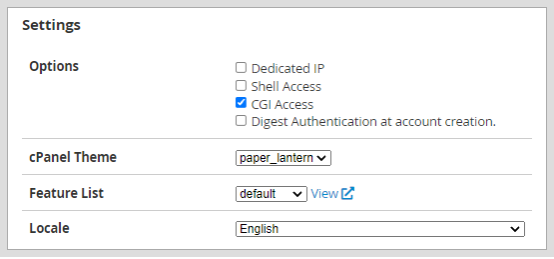
- Once the package has been adjusted, click
Add. - You will receive a green bar notification at the bottom-right screen.

Get practical tips and product updates on LinkedIn.
Follow Network Solutions
Did you find this article helpful?