Network Solutions mobile app: Manage domains
On May 27th, the Network Solutions mobile app was officially released for devices that run on iOS and Android. This app is designed to help domain owners and investors manage their portfolios on the go, providing high-level visibility and the ability to capture new opportunities directly from a smartphone.
In this article, we will discuss:
Where to download the app
To begin using the Network Solutions mobile app, visit your device's application store. The app is free to download and is fully compatible with Apple (iOS) and Android operating systems. Simply search for "Network Solutions" in your store or use the direct links below:
Managing your portfolio (Command Center)
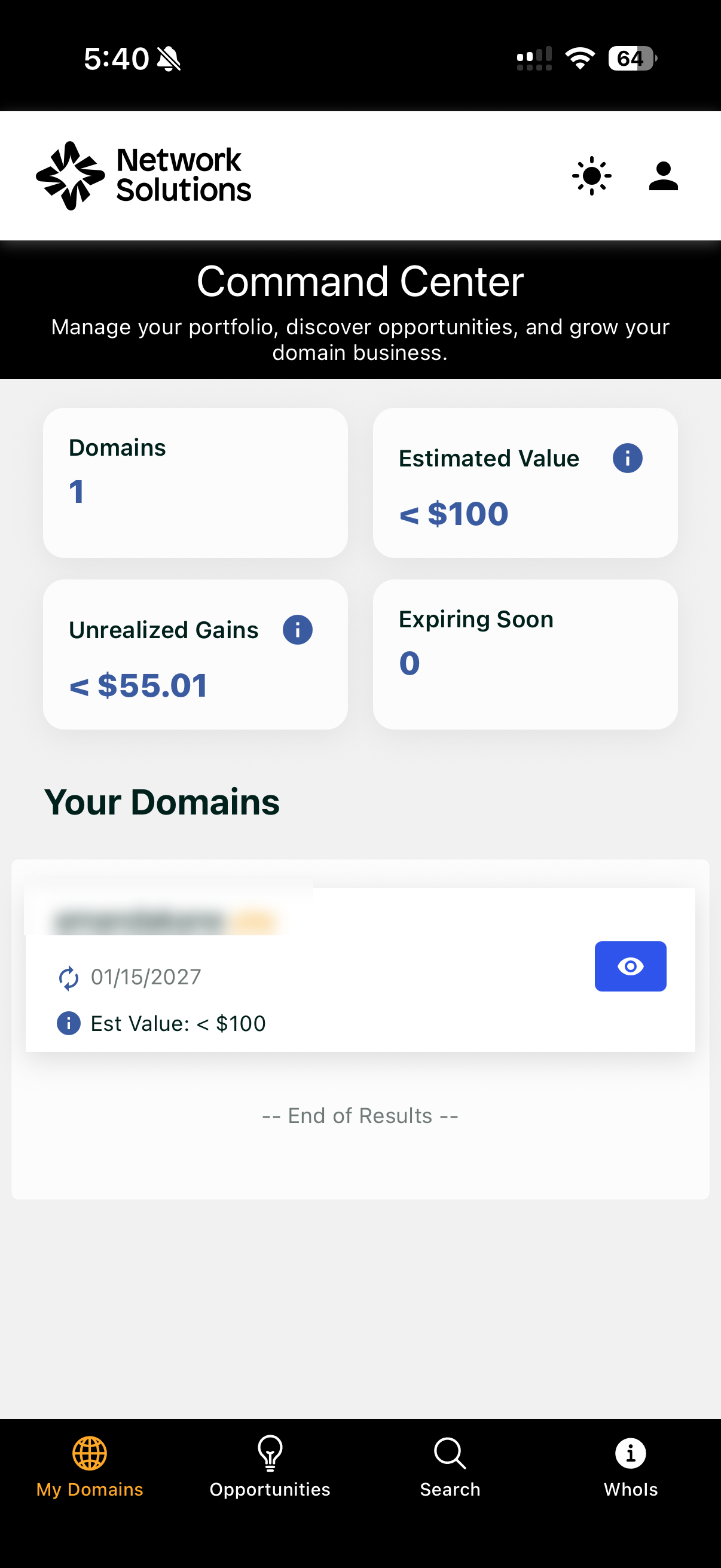
Upon logging into the Network Solutions mobile app, you are presented with the Command Center. This intuitive dashboard provides a birds-eye view of your domain business metrics and overall account health.
High-Level Information
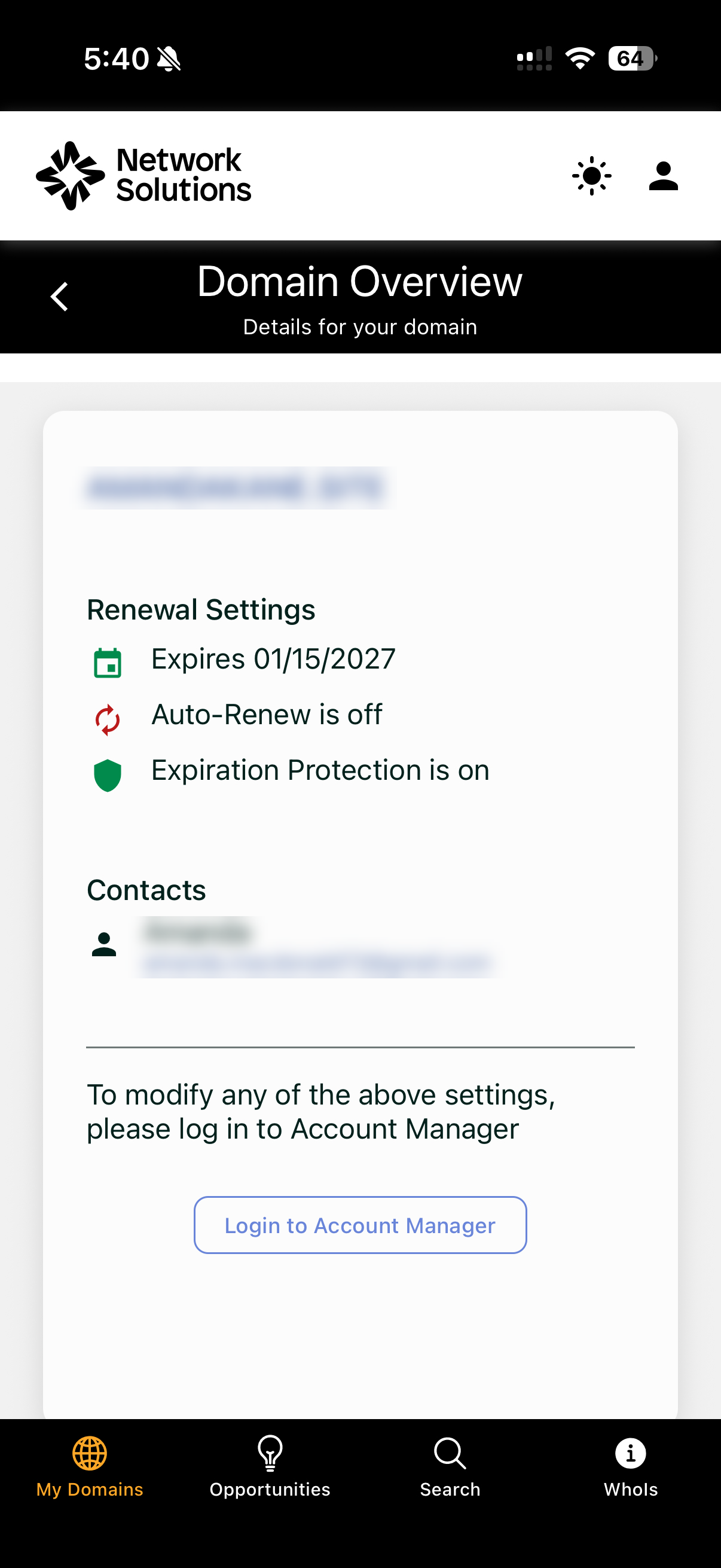
Through the Command Center and the My Domains tab, the Network Solutions mobile app allows you to view the following critical data points for your domain names:
- Renewal date: Know exactly when your domain is set to expire.
- Renewal status: Quickly see if the Auto-Renew is toggled on or off.
- Financial metrics: Monitor Estimated Value and Unrealized Gains for your portfolio.
- Domain details: Review expiration protection status and associated contact information (Registrant email).
Searching and buying domains
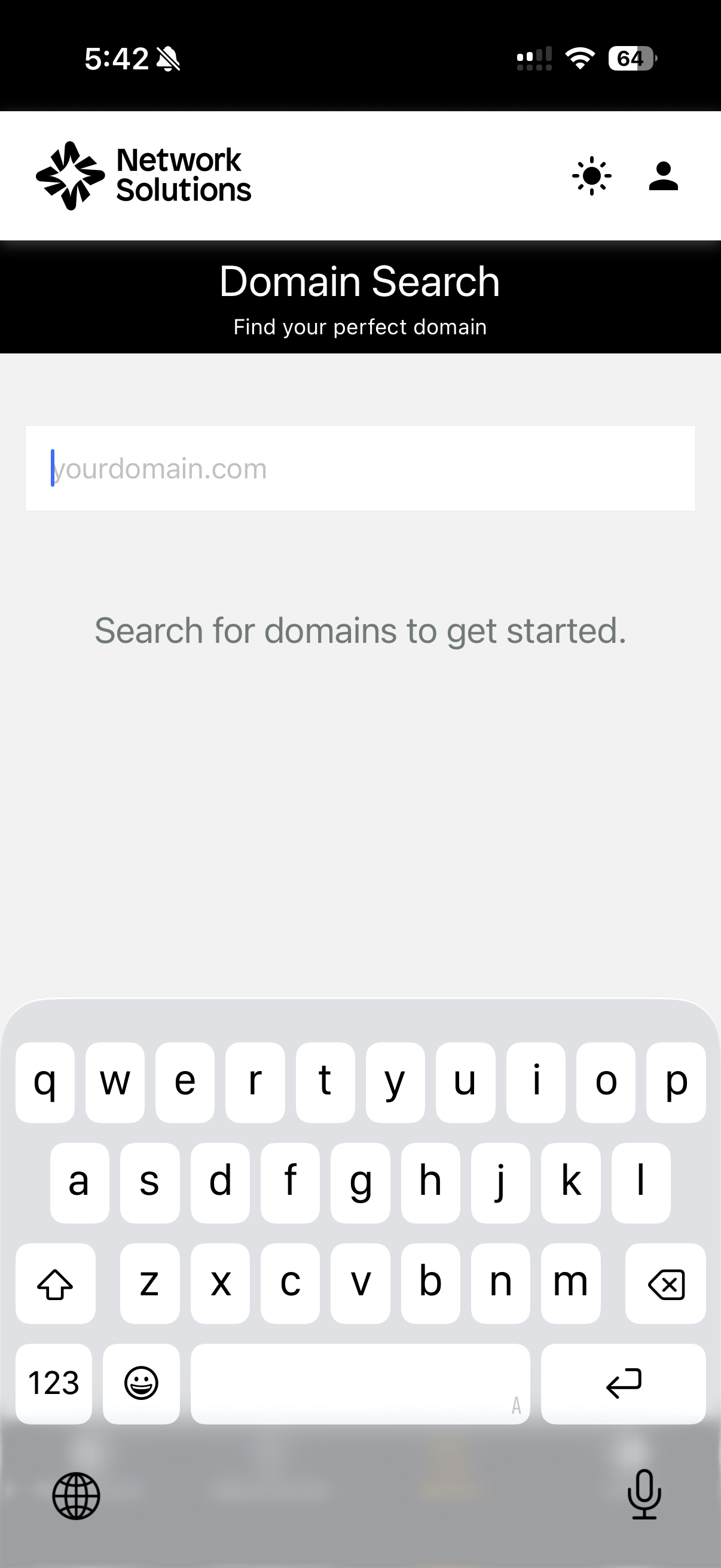
A core feature of the Network Solutions mobile app is the ability to secure new domains instantly, which will prevent you from missing out on a big idea again. The mobile app features a dedicated Domain Search tab that functions exactly like the desktop site.
- Simply type a desired domain name into the search bar to check availability.
- If available, you can proceed with the purchase directly through the app’s checkout process.
Discovering new opportunities
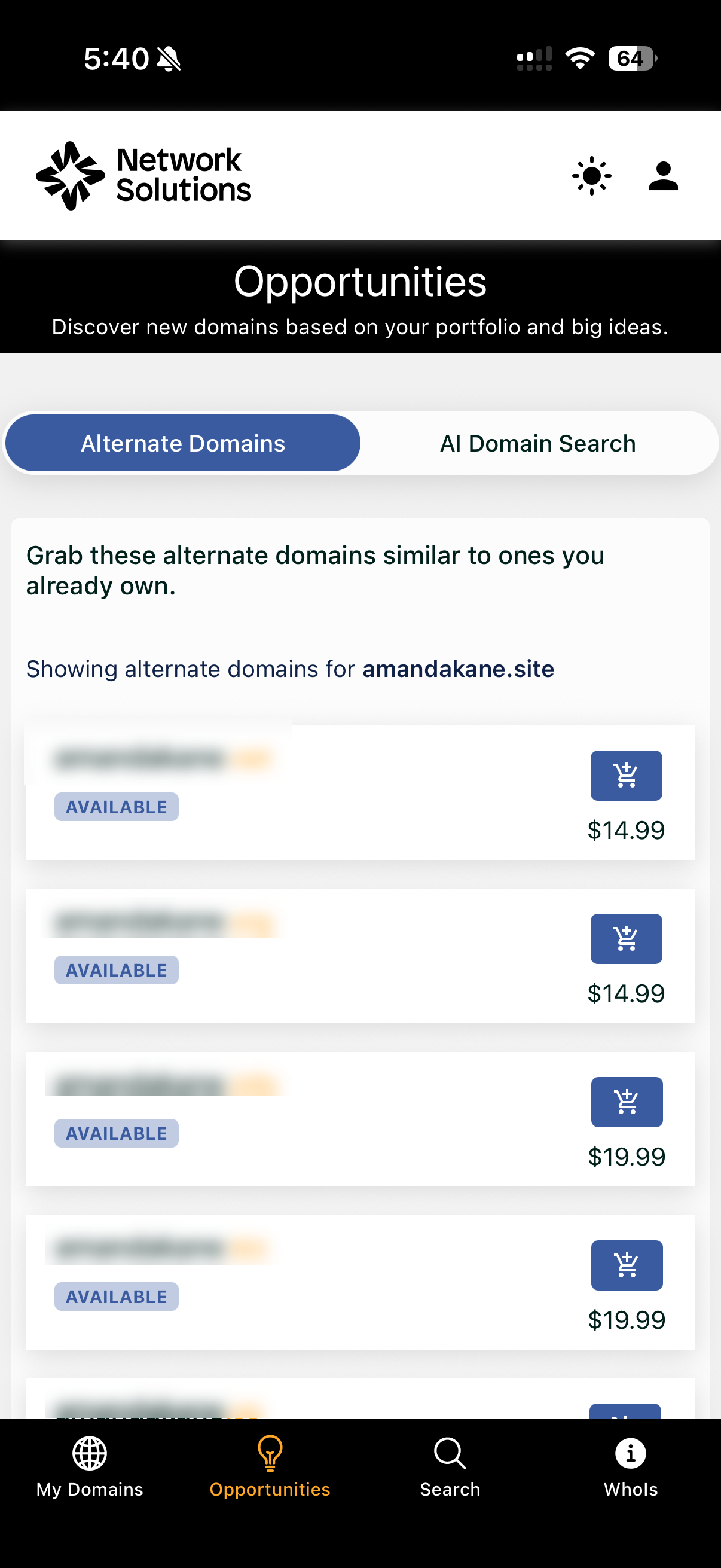
The Network Solutions mobile app leverages your current portfolio to suggest new, relevant expansions. The Opportunities tab helps you grow your digital footprint through two primary methods:
- Alternate Domains: Displays a list of similar domains to those you already own (e.g., if you own domain.site, the app may suggest domain.net, domain.org, or domain.info).
- AI Domain Search: Utilize intelligent search tools to find domains based on conceptual ideas or business descriptions.
Review
The Network Solutions mobile app is an essential tool for customers who need to stay connected to their domain business. Whether you are monitoring expiring domains in the Command Center, checking a Whois status, or grabbing a trending Alternate Domain suggestion, the app provides the portability and speed required in today’s domain market.
Get practical tips and product updates on LinkedIn.
Follow Network Solutions