Knowledge Base
Categories: Powered by Network Solutions
Powered by Network Solutions: File management - How to set file and folder permissions using File Manager
Setting file and folder permissions is important for maintaining the security and integrity of your data. By accurately configuring permissions, unauthorized access and modifications are prevented, which safeguards sensitive information. Take the steps below to set file and folder permissions.
Set file and folder permissions
- Log in to your account via https://www.networksolutions.com/my-account/login.
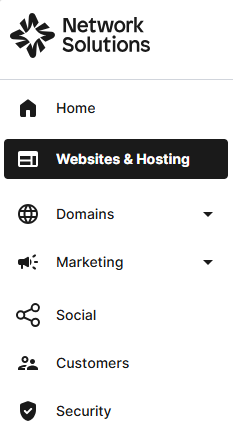
- Click Websites & Hosting from the left navigation menu.
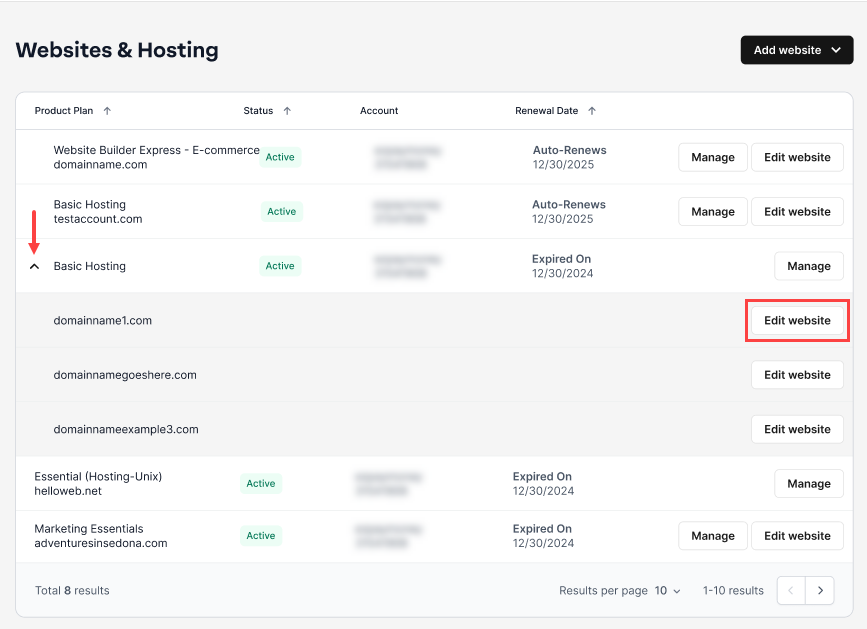
- Navigate to the hosting package where you want to set file and folder permissions, then click Edit website next to the domain name you want to manage.
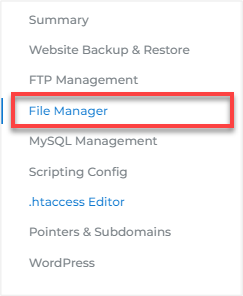
- Go to HOSTING, then click File Manager.
- Select the file or directory for which you want to modify permissions and click the three-dot menu.
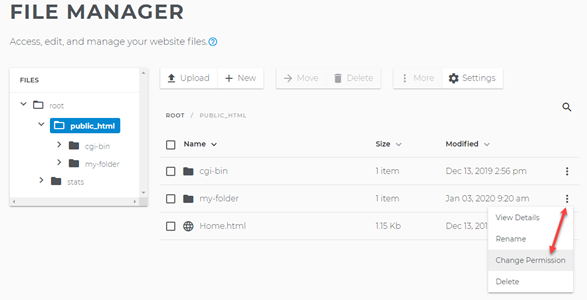
- Revise the permissions for the file or folder and click Change Permissions.
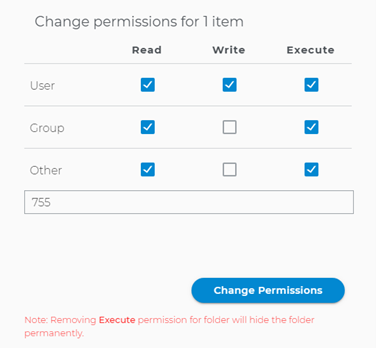
- The permission for this file or folder has been changed.
Understanding file and directory permission settings
Permissions control who can take what actions on a file or directory. The different types of actions are:
- Read: Allows the file (or directory's contents) to be accessed and viewed.
- Write: Allows the file (or directory's contents) to be modified.
- Execute: Allows the file (or directory's contents) to be run.
Permission groups (user, group, other) refer to the entity requesting a command (to read, write, or execute). Permission groups for your shared hosting account have been predefined. We highly recommend that you use the default permission settings as described below:

Important: If you use different permissions other than the default mentioned here, you risk making your file/directory more vulnerable to hackers, and you risk making your file/directory unusable. Modifying your permissions to the point where nothing is allowed may require you to contact us in order to repair the file/directory's permission settings.
Get practical tips and product updates on LinkedIn.
Follow Network Solutions
Did you find this article helpful?