Knowledge Base
Categories: Powered by Network Solutions
Powered by Network Solutions: WebsiteBuilder - How to remove a WebsiteBuilder website
Note: We offer two different versions of WebsiteBuilder. Our original implementation of the builder is the Classic editor, while WebsiteBuilder Express editor is the newest interface commonly found in the dashboard. It is not possible to upgrade a Classic builder site to the Express editor. The site will need to be recreated with the Express Editor. All new WebsiteBuilder installations will be the Express editor.
In this article, we have provided two sets of instructions for each editor. Follow the instruction set that matches your WebsiteBuilder version.
How to check if I have Classic editor or Express editor?
| WebsiteBuilder Classic | WebsiteBuilder Express editor |
|---|---|
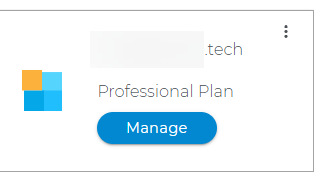 |
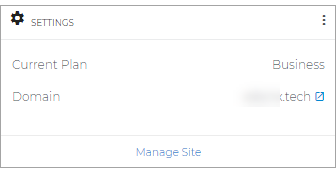 |
How to remove a WebsiteBuilder website?
- Log in to your account manager via https://www.networksolutions.com/my-account/login.
- From the left-hand menu, click the Websites & Hosting tab.
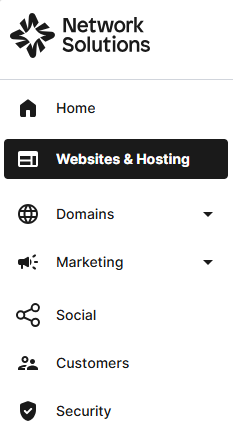
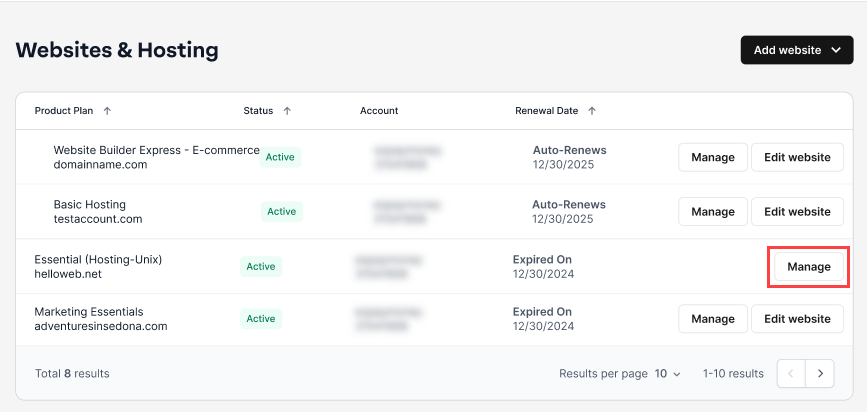
- If you have a single hosting package in the account, you will be redirected to the control panel. If you have multiple hosting packages in your account, click the Manage button on the respective hosting package that you need to access.
- Click the WEBSITES & POINTERS tab from the top menu, then select WebsiteBuilder from the left pane.
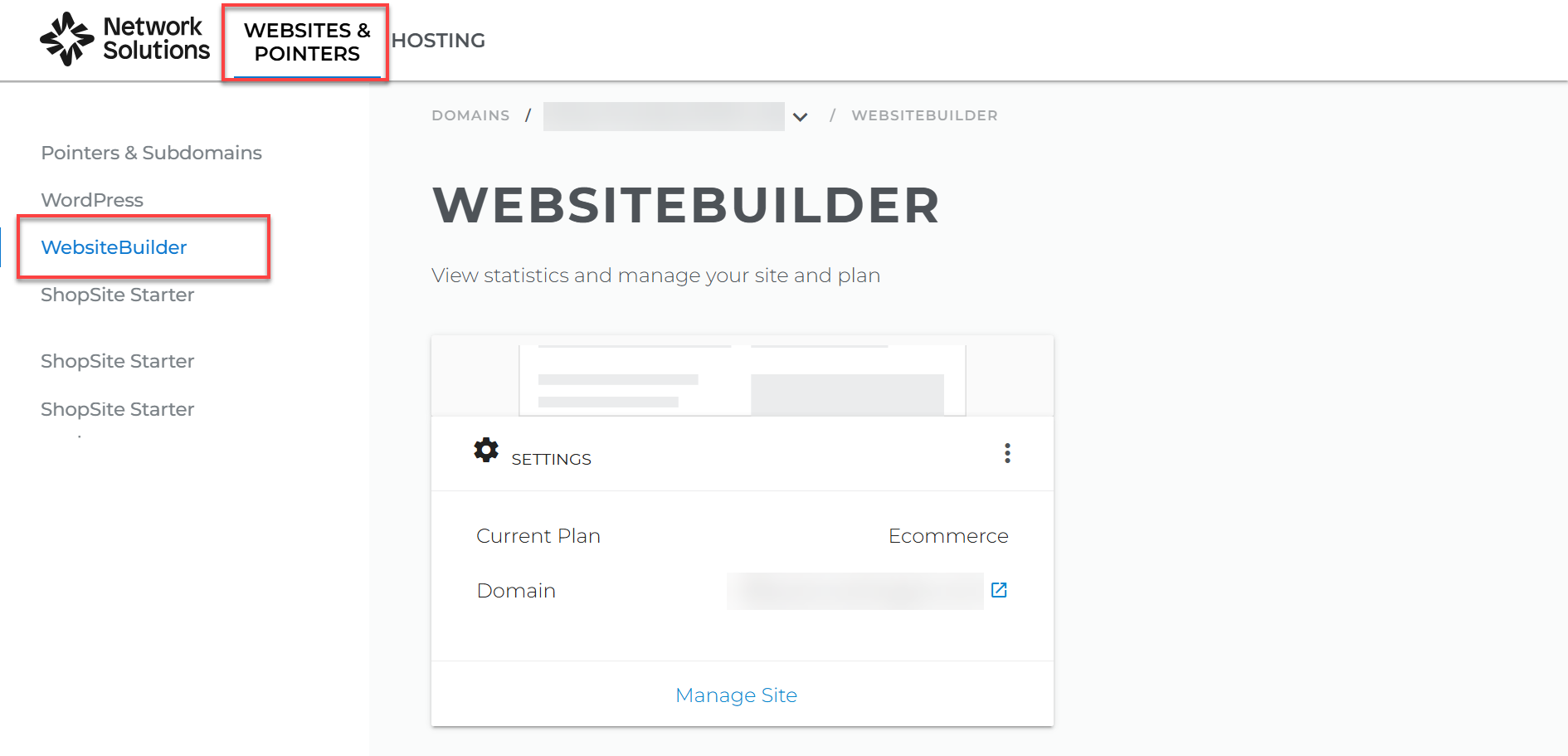
- Click Manage.
For Legacy WebsiteBuilder For WebsiteBuilder Express 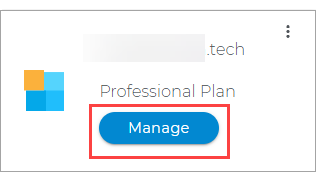
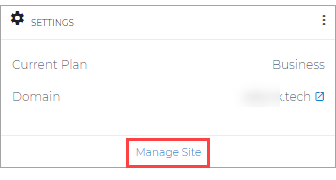
- Click Manage.
- This action will open your WebsiteBuilder screen on a new tab:
Legacy WebsiteBuilder looks like this: WebsiteBuilder Express looks like this: 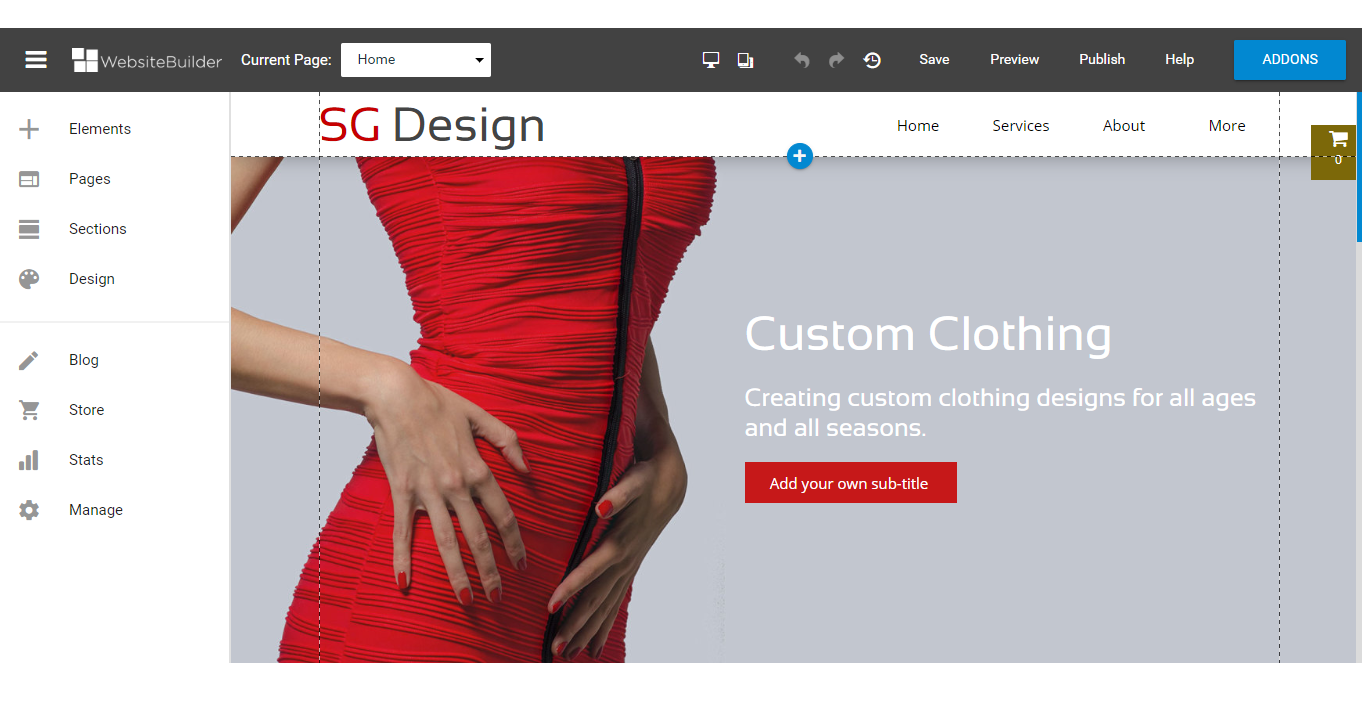
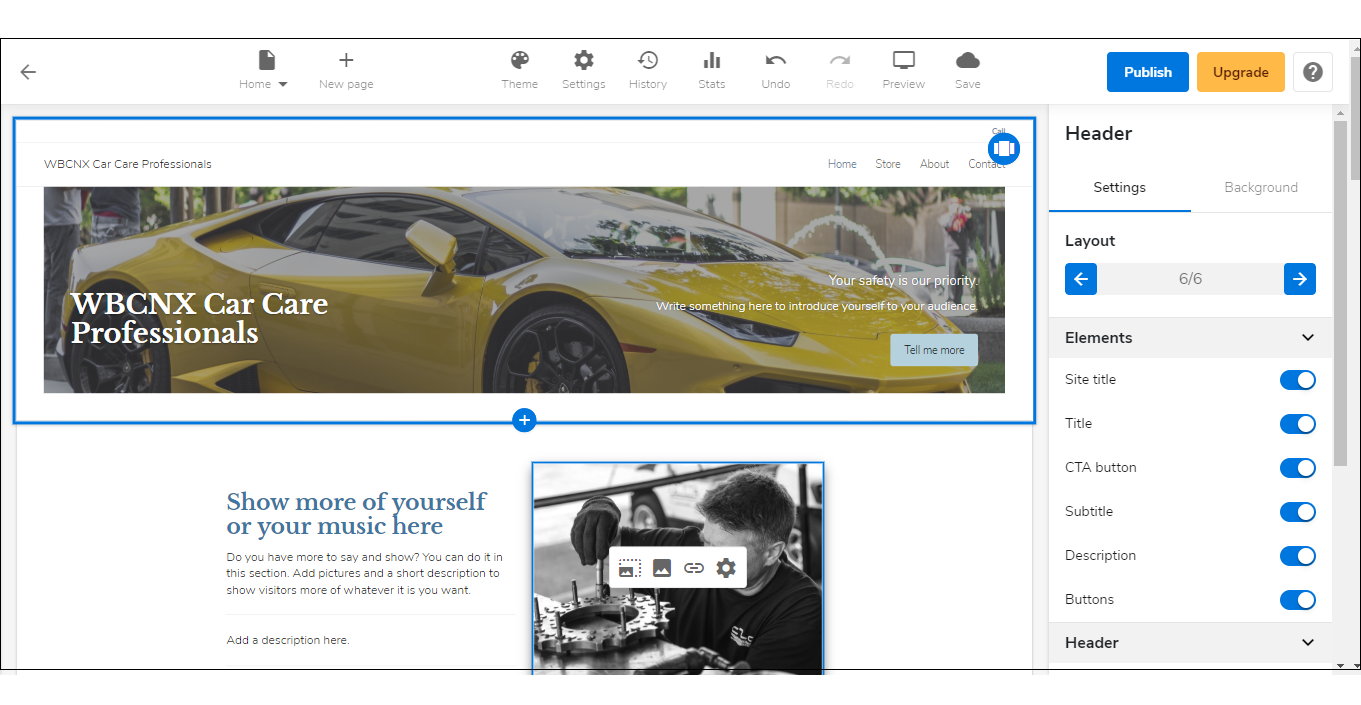 Note: If you are unsure which type of WebsiteBuilder you are using, you may reach out to our customer service support to help you determine it.
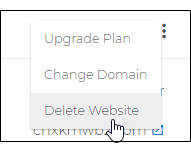
 - Click Delete Website.
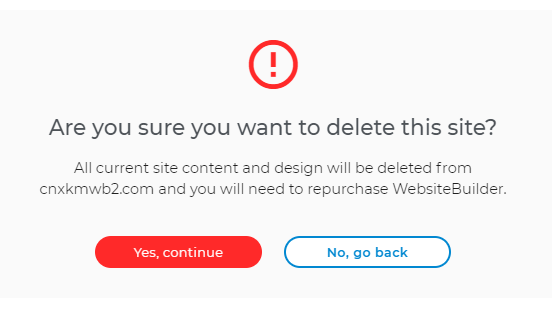
- Click Yes, Continue.
Get practical tips and product updates on LinkedIn.
Follow Network Solutions
Did you find this article helpful?