Knowledge Base
Categories: Powered by Network Solutions
Powered by Network Solutions: WebsiteBuilder - How to disable theme animations
- Log in to your account manager via https://www.networksolutions.com/my-account/login.
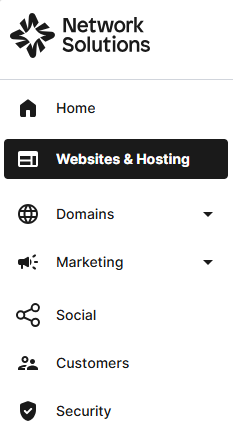
- Click Websites & Hosting from the left navigation menu.
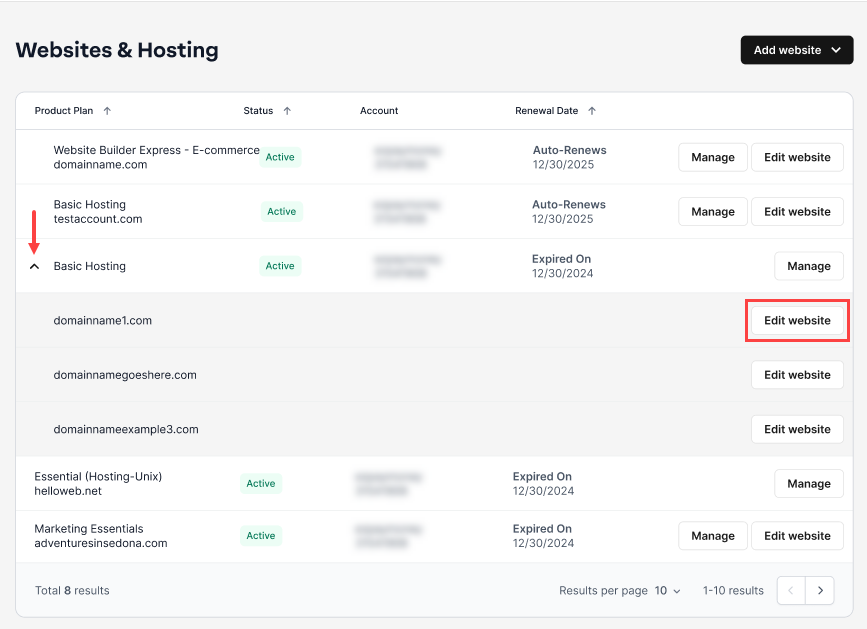
- Navigate to the hosting package you want to access, then click Edit website next to the domain name you want to manage.
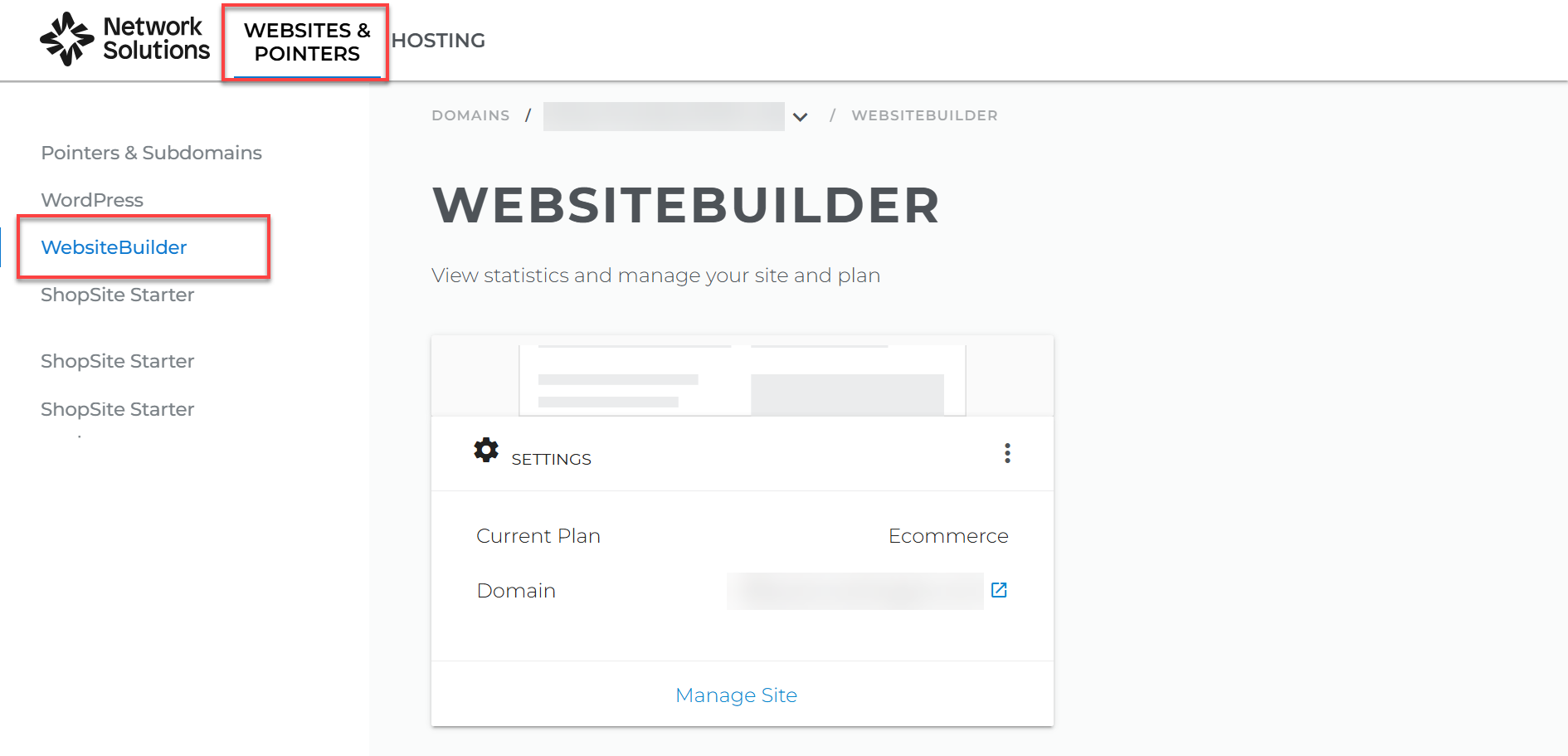
- Click WEBSITES & POINTERS. In the left pane, click WebsiteBuilder.
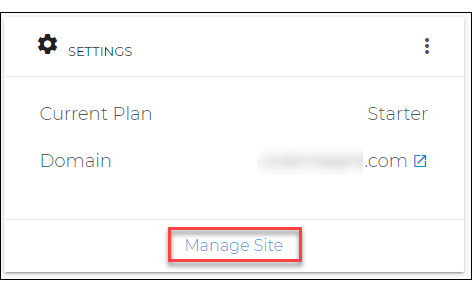
- Click Manage Site. This action will open your WebsiteBuilder screen on a new tab.
- Click on the Theme tab on the left navigation bar.

- On the right pane, click on the Animations tab.
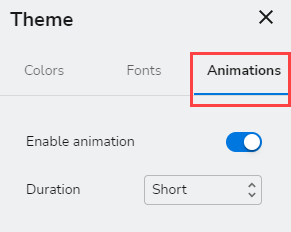
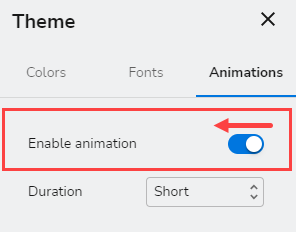
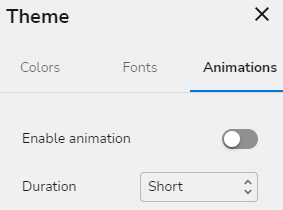
- Toggle the switch to disable animation.
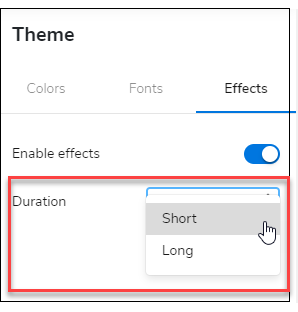
- Set the effects Duration to either Short or Long.
Note: To learn more about editing your theme options, check out: Website Builder: How to change your theme design - Don't forget to save your work by clicking the Save icon. Once saved, click on the Publish button on the upper part of your editor screen. Remember that changes are only visible after you have saved and published your work.

Get practical tips and product updates on LinkedIn.
Follow Network Solutions
Did you find this article helpful?