Introducing Chat Memory: A more personalized chat experience
We're introducing Chat Memory, a new feature that allows user conversations to retain relevant context across chats, creating a more personalized and seamless experience.
In this article, we will discuss:
What is Chat Memory?
Chat Memory enables the assistant to automatically remember selected information from previous conversations, such as your preferences, recurring tasks, or important details you've asked it to retain. This helps provide more relevant responses without requiring you to repeat the same information in every new chat.
What is changing
With the introduction of Chat Memory, the feature will be available across both Standard and Secure plans.
- Standard plan/AI-All Access: Chat Memory is enabled by default.
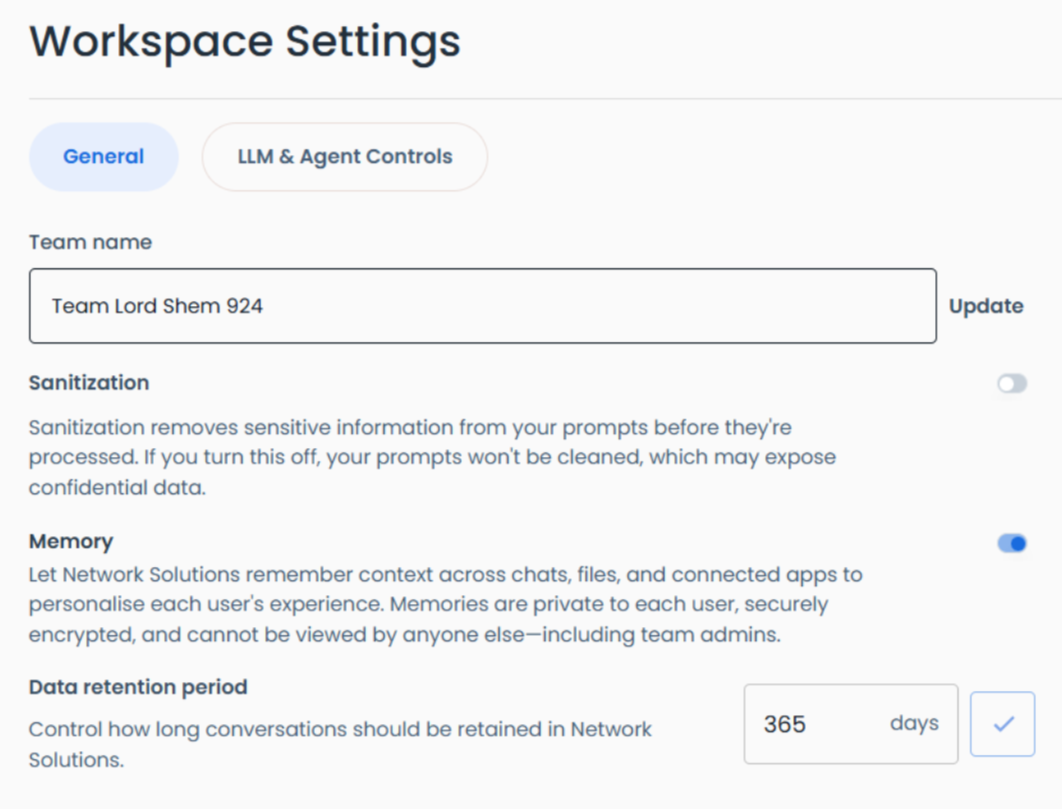
- Secure plan/AI-All Access Privacy+: Administrators will need to choose between Chat Memory and Chat Sanitization, as both features cannot be enabled at the same time.
How to enable Memory
Memory can be enabled by an administrator through the admin settings.
When the administrator enables Memory in the Secure plan/AI-All Access Privacy+, they will be prompted to turn off Chat Sanitization. This is required because Memory needs access to the conversation context in order to retain and use relevant information across chats.
To access the admin settings of your AI-Access Pack:
- Log in to your account manager via Account Login Links..
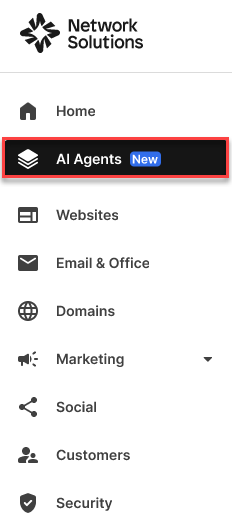
- Click the AI Agents tab.
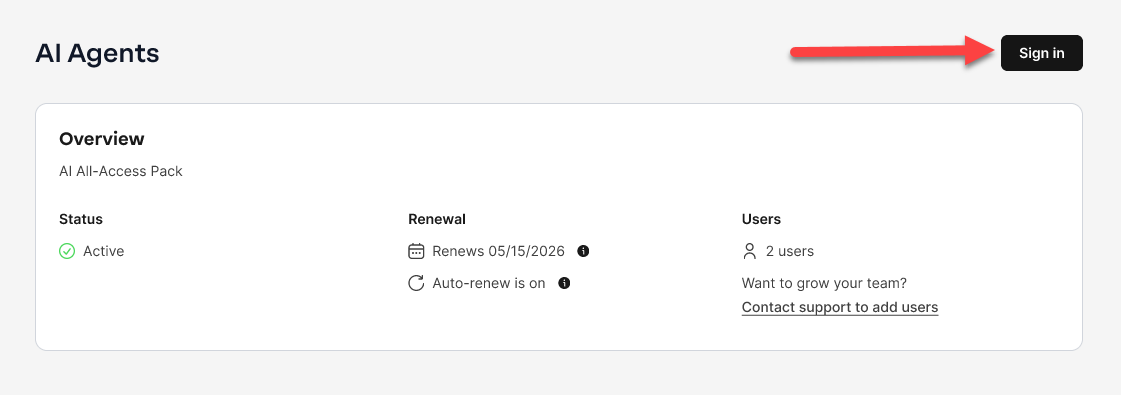
- On the AI Agents overview page, click the Sign in button found in the top right corner of the page.
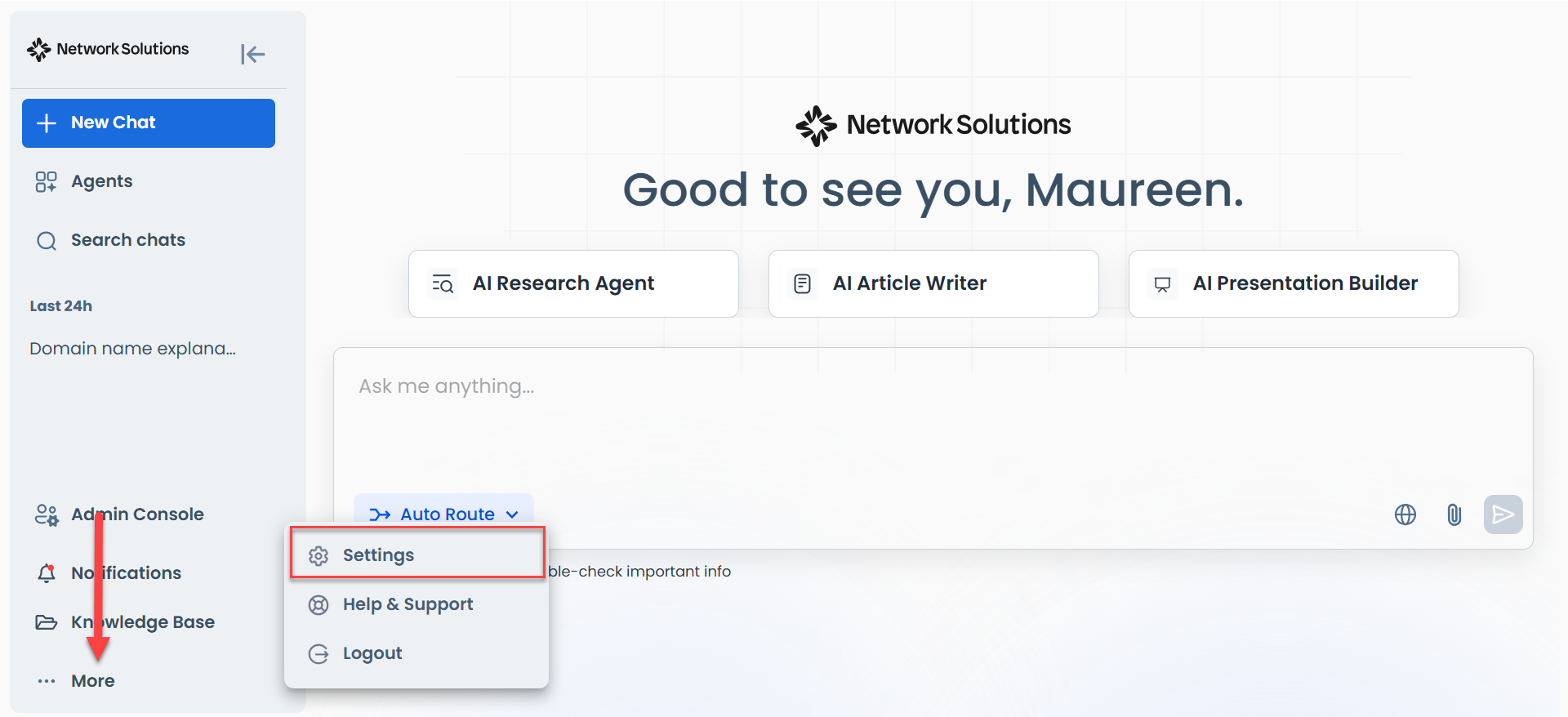
- Click More on the left navigation tab and choose Settings.
- When admins log in they will see a pop-up like below:
- Standard plan/AI-All Access
- Secure plan/AI-All Access Privacy+
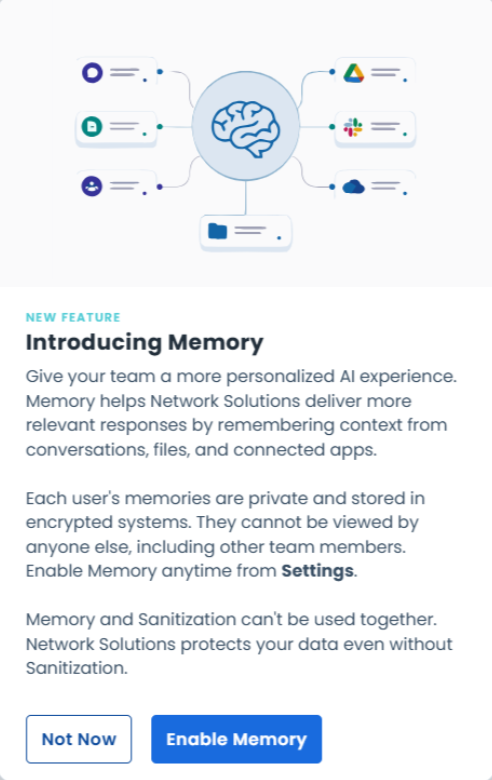
- Standard plan/AI-All Access
- The administrator can manage this setting based on the organization's requirements and preferences in the workspace settings.
- Standard plan/AI-All Access
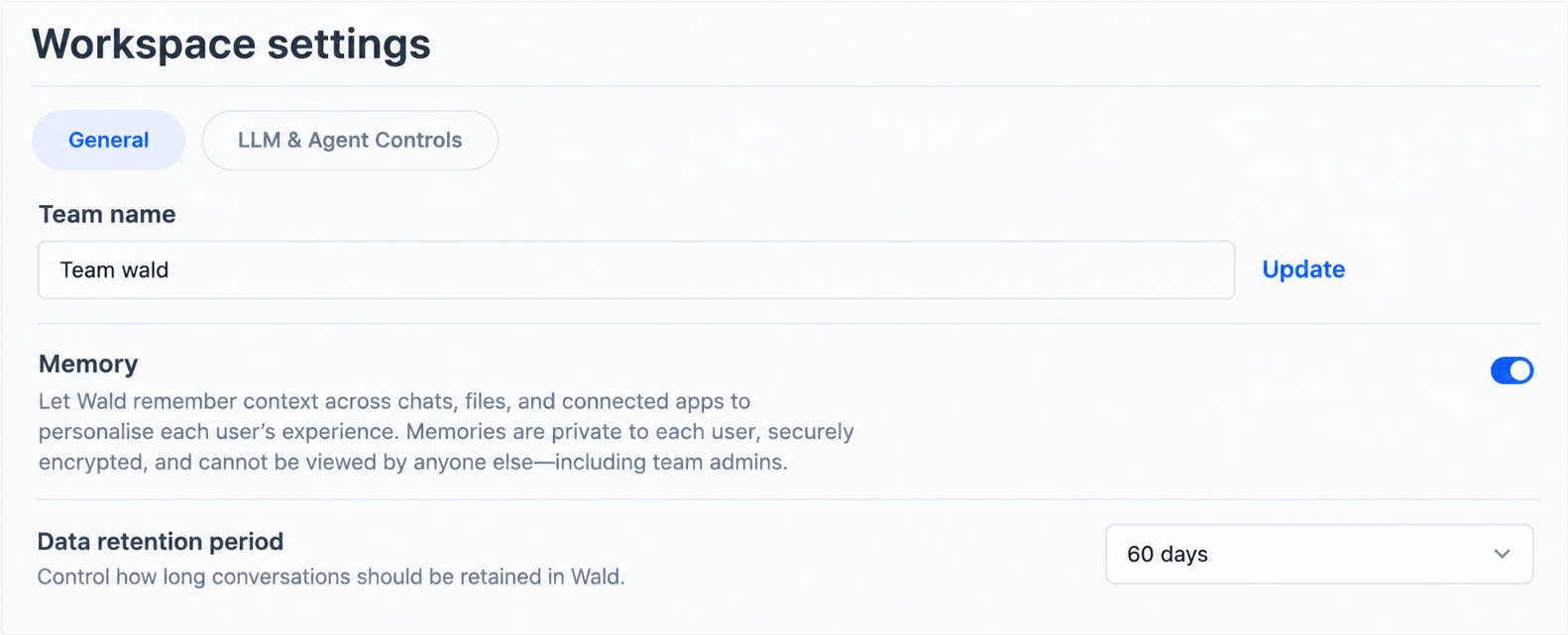
- Secure plan/AI-All Access Privacy+
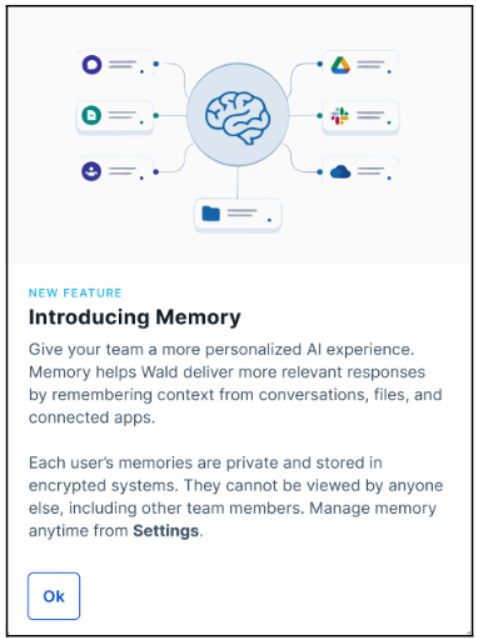
- Once an administrator enables the Memory feature in admin settings, Memory will be enabled by default for all users in the organization, and users will see the pop-up below:
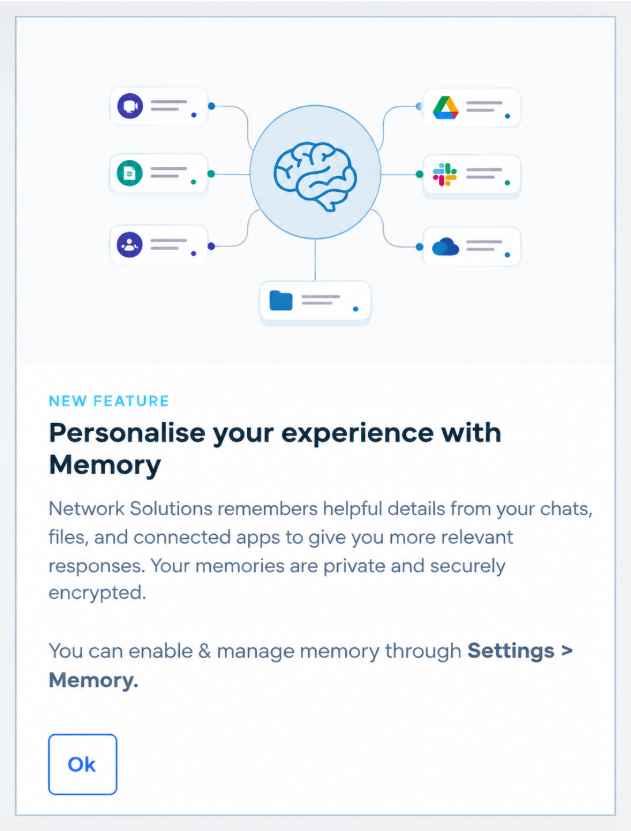
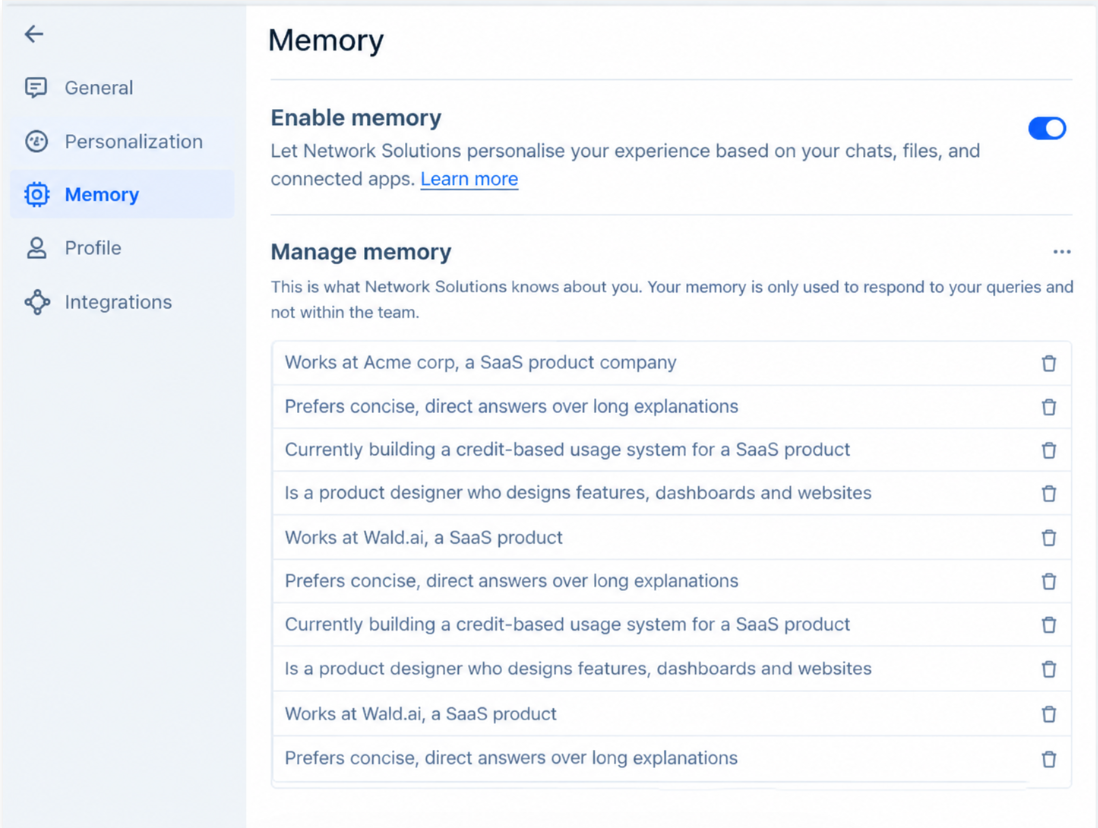
- Users will be able to turn on/off and manage memory based on their individual preferences. From the user settings menu.
How does this impact you
- Privacy & security considerations
If you choose to enable the Memory feature in the Secure plan/AI-All Access Privacy+, chat sanitization will be disabled for conversations that use Memory. This allows the assistant to retain information across chats and provide a more personalized experience. Your conversations will continue to be protected with end-to-end encryption (E2EE) within Wald and with Zero Data Retention (ZDR) for any processing outside of Wald, ensuring your data remains encrypted and secure.
Related articles
Review
This article clearly explains Chat Memory, plan availability, setup steps, and privacy considerations. The key distinction between Memory and Chat Sanitization is easy to understand.
Get practical tips and product updates on LinkedIn.
Follow Network Solutions