Knowledge Base
Powered by Network Solutions: How to change an FTP user password
When a new account is created, our system will generate a default File Transfer Protocol (FTP) username. To utilize FTP, you will need to activate it and create a password. Follow the steps below on how to create or update an FTP user password.
- Log in to your account via https://www.networksolutions.com/my-account/login.
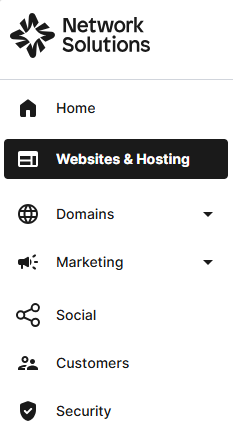
- Click Websites & Hosting from the left navigation menu.
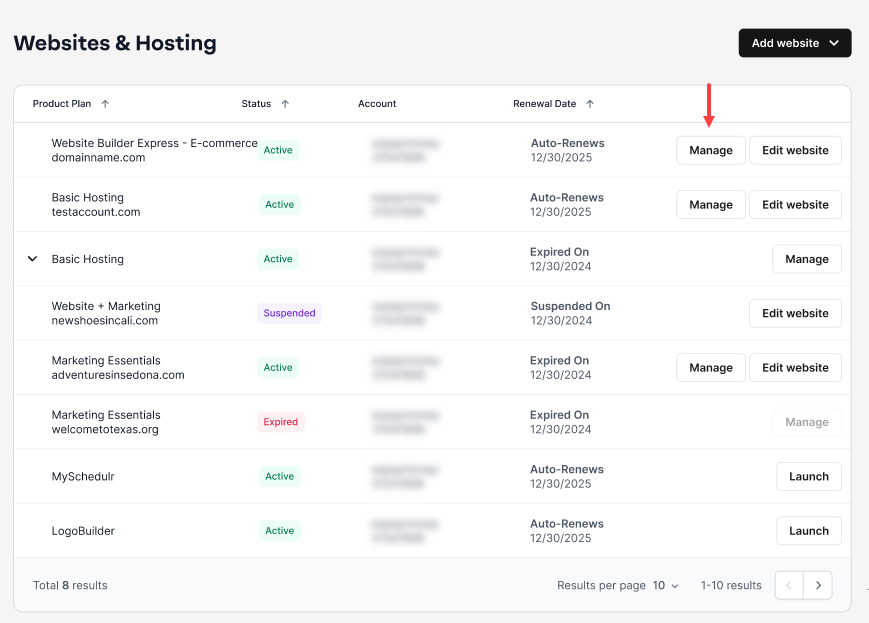
- If you have a single website builder in the account, you will be redirected to the Website Builder dashboard. If you have multiple website builder accounts, click the Manage button on the respective website package that you need to change FTP password.
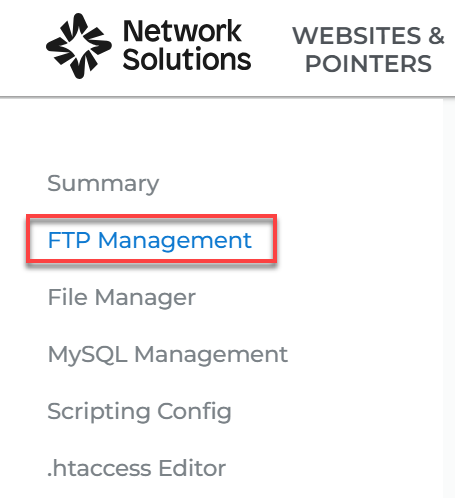
- Click on FTP Management in the left panel..
- Under FTP Accounts, click on the three-dot options menu. Then, click Edit User.

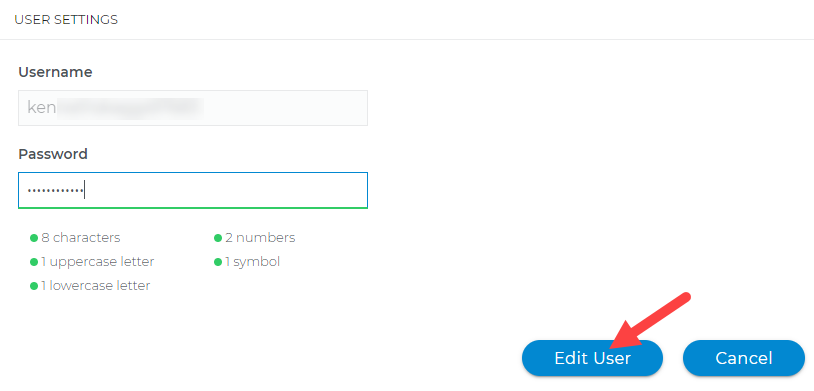
- Match the password criteria and hit Edit User.
- A confirmation pop-up will appear at the bottom-right corner.

Related articles
- Powered By Network Solutions: FTP - How to connect using an offline website builder
- Powered by Network Solutions: FTP - How to connect using Windows Explorer
- Powered by Network Solutions: File management - How to delete files and folders using File Manager
- Powered by Network Solutions: File management - How to backup and restore files
Get practical tips and product updates on LinkedIn.
Follow Network Solutions
Did you find this article helpful?