
Key takeaways:
- No-code website builders let you quickly create a professional site using drag-and-drop tools and customizable templates.
- Anyone can easily build a stunning website by selecting a layout and personalizing it for their brand using no-code website builders.
- No-code website builders eliminate the need for a traditional web development team and offer an affordable, fast way to get your site online.
So, you’ve decided to take your business online. Like any big move, it starts with creating your own website. And that can feel like a lot to take on if you don’t have the technical expertise.
But….
You’ll be glad to know that no-code website builders now exist to help anyone put together a professional website.
That’s why we’ve rounded up the best no-code website builders in 2026, including the easiest website builder for beginners, so you can focus on creating your brand.
What is a no-code website builder?
A no-code website builder is an all-in-one tool made for small business owners and solo entrepreneurs who want a website without dealing with custom code. It lets you build personal or e-commerce websites using drag-and-drop interfaces and customizable templates, so you can focus on your business instead of the tech side.
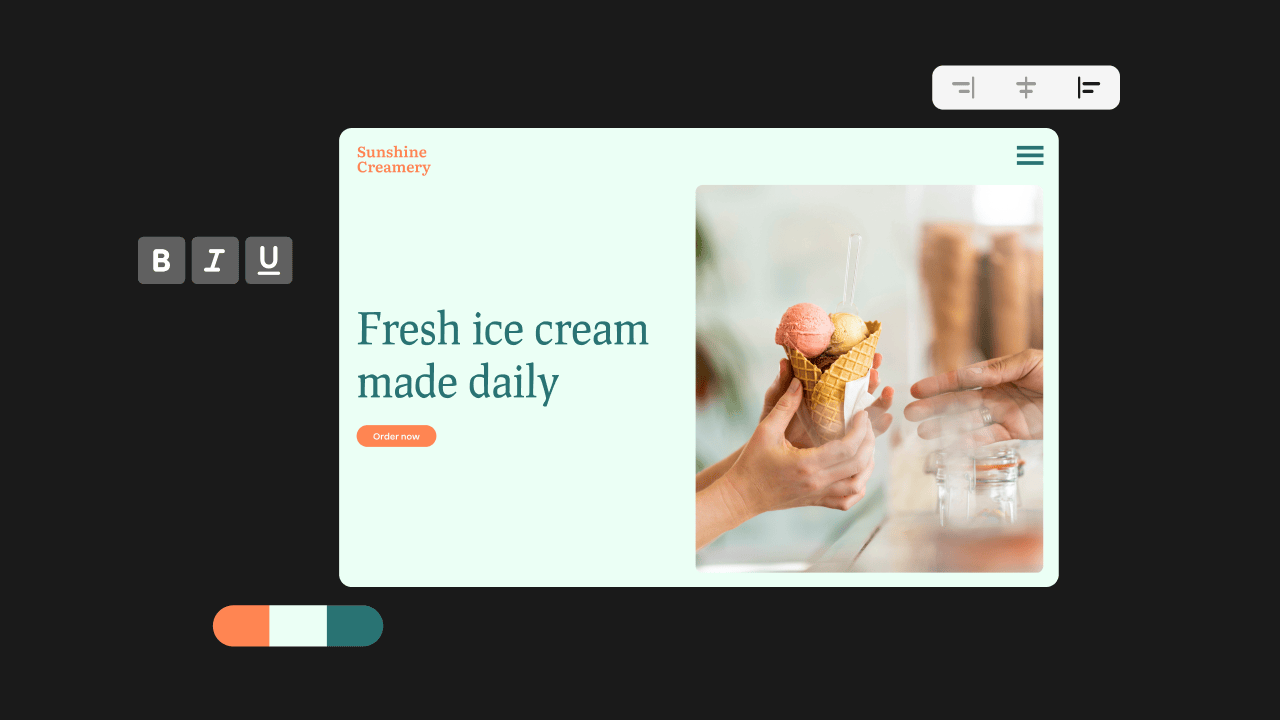
Most builders work like this. You pick a layout, add text and images, and move sections around on the page. Everything happens visually, which gives you real creative freedom when building your website, even if you’ve never built one before.
While many no-code builders focus on ease of use, some also offer features that support more complex sites as your business grows. That ease of use is a big reason more small businesses are turning to these tools. In fact, the no-code website builder market is expected to grow by 7.73% every year from 2024 to 2031, reaching about $3.6 billion. Many owners use them for everything from a small project, like a portfolio, to a full online store.
With no code to worry about, you can pour your effort into content and design for something that truly represents your vision.
Now that you know how a no-code website builder works and why small business owners rely on these tools, here’s how we reviewed and compared the best options for this list.
How we developed this list
We put this list together by spending time with the tools and the people who use them.
That meant:
- Reading reviews from users and small business owners who’ve already built sites using no-code website builders
- Checking feedback on third-party review sites like Capterra, G2, and Trustpilot
- Looking through forums and online groups where users talk honestly about what worked and what didn’t
- Trying the setup ourselves when a free trial was available, just to see how fast a site could go live
The goal wasn’t to test every feature. It was to see which builders actually make website creation easier to handle day to day.
12 popular no-code website builders
Here are 12 popular no-code website builders and what they offer. Some of these builders come with free plans or trials, so it’ll be easier for you to match and compare your options.
- Network Solutions
- Wix
- Webflow
- HubSpot
- Shopify
- Squarespace
- Weebly
- Hostinger
- Dorik
- Google Sites
- Appy Pie
- Duda
Platform | Pricing (starts at) | Key features | Best for |
|---|---|---|---|
Network Solutions | $4.99/month |
|
|
Wix | $17/month |
|
|
Webflow | $14/month |
|
|
HubSpot | $0 |
|
|
Shopify | $19/month |
|
|
Squarespace | $16/month |
|
|
Weebly | $0 |
|
|
Hostinger | $1.99/month |
|
|
Dorik | $0 |
|
|
Google Sites | $0 |
|
|
Appy Pie | $15/month |
|
|
Duda | $19/month |
|
|
Now, let’s get into the details of each one.
Network Solutions
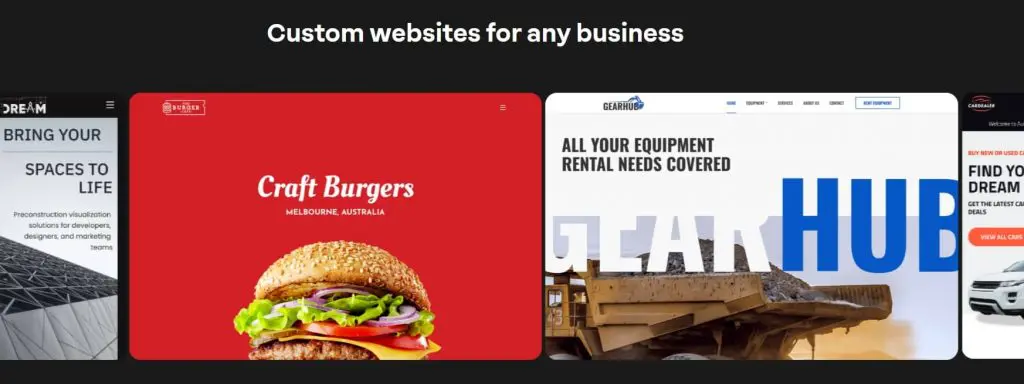
Network Solutions offers an AI-powered, no-code website builder designed for small business owners and personal websites. It asks a few simple questions about your business, then automatically builds a site you can customize using drag-and-drop tools. You can also start with one of the ready-made customizable templates and adjust it to match your brand.
Since your website needs a domain to go live, Network Solutions lets you search for and register a domain during setup. It also includes an AI Domain Name Generator that suggests available domain names based on your business idea, making it easier to choose a name before publishing.
Find the perfect domain
Ready to register a domain name? Check domain availability and get started with Network Solutions today.
Key unique features
- Drag-and-drop editor that makes design simple and stress-free
- Customizable templates to style your site for both desktop and mobile
- e-commerce features like shopping cart tools and secure payment options
- Optional SEO services to boost visibility
- Free domain and SSL certificate for the first year
- Branded email to improve business credibility
- Expert design support with the website builder plan
Who it’s best for
- Small business owners who need a professional website with e-commerce features
- Personal websites built with easy templates and ready-to-go tools
- Users or busy business owners who want an all-in-one solution without writing code
What users are saying
Many users highlight the convenience of Network Solutions’ no-code website builder, especially for getting a site online without juggling multiple tools. One reviewer shared, “I managed to set up my site and achieve a professional look without much trouble at all.” Reviews often mention that having the domain, hosting, email, and website builder in one place makes the setup process easier to manage, which naturally leads some users to lean on support when questions come up.
Opinions on developer support vary, too. Some people like the friendly staff, while others note slower replies at times. One reviewer also said that the builder takes getting used to, but the support team helped them move forward without too much trouble.
Pricing and plans
Plan | Cost/term | Plan inclusions |
|---|---|---|
Website | $4.99/month (renews at $15.99/month) |
|
Website + Marketing | $7.99/month (renews at $20.99/ month) |
|
E-commerce | $13.99/month (renews at $28.99/month) |
|
Note: Pricing listed here reflects the most recent information at the time of writing. Visit Network Solutions’ website for current rates and details.
Wix

Wix serves small business owners, bloggers, and creatives who want creative freedom in design without touching code. It offers hundreds of templates and built-in e-commerce tools that can grow with your site. You can start free, but you’ll need a paid plan if you want your own custom domain, more storage, or advanced features.
Key unique features
- Drag-and-drop editor for complete design control
- 900+ customizable templates for multiple industries
- Built-in SEO tools to help boost online visibility
- e-commerce features such as secure payments, product pages, and order management
- Extra functionality with blogging, bookings, and marketing tools integration
- Free plans are offered through a wixsite.com domain
Who it’s best for
- Small businesses looking to sell with e-commerce features
- Individuals who want to design web pages with more creative freedom using customizable templates
- Anyone who prefers a simple website builder with room to scale into advanced features
What users are saying
Users often say Wix makes it easy to get a website live fast, even if it’s their first time building one. One reviewer shared, “Wix makes it incredibly easy to build a website without needing any coding background.” Many mention that the drag-and-drop interface helps them put pages together in just a few hours, using ready-made templates that already look professional.
Others appreciate that Wix includes SEO features out of the box, with options that grow as your site does. While beginners tend to stick with the basics, more experienced users note that Wix also offers advanced SEO tools for page settings and optimization as their business needs become more complex.
Pricing and plans
Plan | Cost/term | Plan inclusions |
|---|---|---|
Light | $17/month |
|
Core | $29/month |
|
Business | $39/month |
|
Business Elite | $159/month |
|
Note: These prices reflect the latest information available at the time of publication. Please confirm the provider’s most recent rates.
Webflow

Webflow puts you in charge of every part of your site design. It’s popular with designers as it offers more creative freedom than most website builders. The learning curve is steeper, though. But once you get comfortable, you can create a site that looks like a professional website and is dynamic.
Key unique features
- Free plans and premium plans templates to kick off your site
- Drag-and-drop editor to adjust layouts without code
- Custom SEO tools settings for titles, meta descriptions, and more
- Integration capabilities, including Google tools like Google Sheets and Mailchimp
- Flexible design controls for fonts, layouts, and styles
Who it’s best for
- Users who want complete control over their site design
- Beginners who are willing to handle a learning curve for better customization options
- Businesses that need strong SEO tools and scalable options
What users are saying
Users often point to Webflow for the creative freedom it gives them in design. They like that they can build and adjust layouts without leaning on a developer. The editor helps them control fonts, spacing, and animations. Many say it works well for portfolios, content sites, and projects that need a professional website look.
On the flip side, some find Webflow overwhelming at first. Learning layout systems like grid or flexbox is a hurdle for beginners. Price is also a concern, especially for freelancers managing multiple sites. A reviewer shared that although Webflow made it easy to build a polished site without coding knowledge, costs started to add up as their project grew, so they upgraded to a higher plan for more advanced features.
Pricing and plans
Plan | Cost/term | Plan inclusions |
|---|---|---|
Starter | Free |
|
Basic | $14/month (billed yearly) |
|
CMS | $23/month (billed yearly) |
|
Business | $39/month (billed yearly) |
|
Note: These prices reflect the latest information available at the time of publication. Please confirm the provider’s most recent rates.
HubSpot
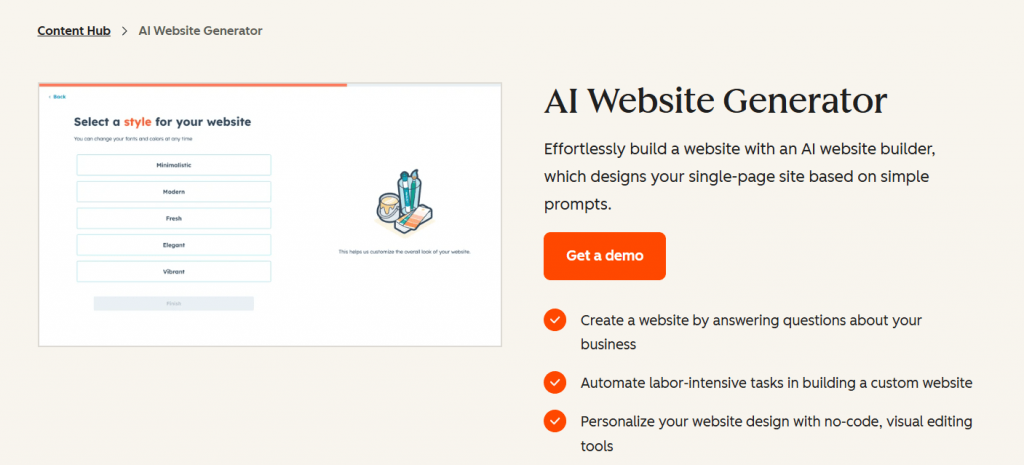
HubSpot offers a forever-free website builder via its content management system (CMS) tools. You get a drag-and-drop editor, flexible themes, and publishing options, all while keeping things simple and code-free. When you’re ready for more, HubSpot has premium plans that unlock more advanced features and custom domain options.
Key unique features
- Drag-and-drop editor so you can design site layouts without code
- Flexible themes and customizable templates to get your website looking good quickly
- Free CMS tools include premium cloud hosting, SSL, and performance features
- Built-in analytics tools and SEO tools, plus modules like forms, live chat, and more
Who it’s best for
- Small businesses that want a reliable site they can manage themselves
- Anyone who wants the free plan core tools first, then the option to upgrade when ready
- Users who prefer a code-free workflow with room to scale using premium plans
What users are saying
Many users like how HubSpot CMS ties everything together. The integration capabilities with HubSpot CRM, the built-in SEO tools, and the reporting features receive frequent praise. One user said, “The seamless integration with HubSpot’s CRM and marketing tools makes everything work together, including website, email, automation, and customer data. This lets you personalize experiences and scale faster without piecing together different systems.” Others mention it speeds up their workflow and helps them do more without juggling multiple tools.
On the other hand, cost is a common concern. Some users also note that customizing beyond templates often requires coding knowledge or developer support.
Pricing and plans
Plan | Cost/term | Plan inclusions |
|---|---|---|
Free | $0 |
|
Starter | $9/month per seat (annual billing) |
|
Professional | $450/month (annual billing) |
|
Enterprise | $1,500/month (annual billing) |
|
Note: These prices reflect the latest information available at the time of publication. Please confirm the provider’s most recent rates.
Shopify
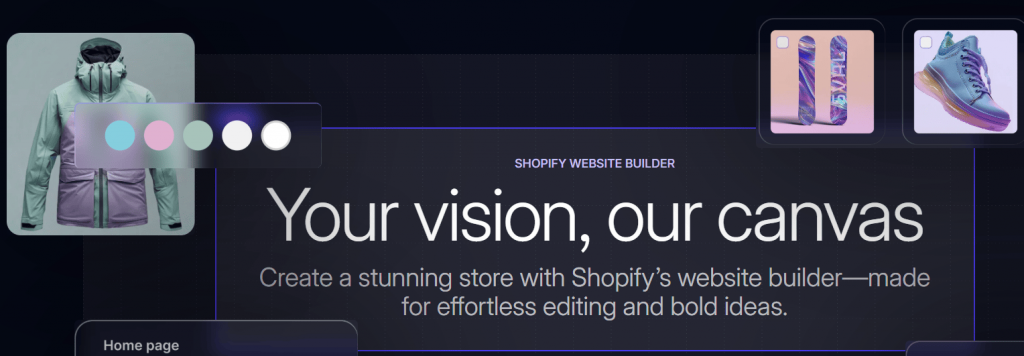
Shopify is a no-code website builder made for e-commerce. It helps you create online stores quickly with drag-and-drop tools, custom themes, and built-in sales features. Beginners can use it for simple sites, while growing brands can leverage its scalable features.
Key unique features
- Drag-and-drop editor that makes website-building straightforward
- Customizable templates offering a wide range of professional website designs
- SEO tools and analytics tools that help improve visibility and track growth
- Payment gateways and shipping tools to simplify store management
- POS system connecting online and in-store sales in one dashboard
- App marketplace with marketing tools, loyalty, and advanced features
Who it’s best for
- Small businesses launching their first online store
- Retailers who want to connect physical and online sales
- Brands that need customization options and room to scale
What users are saying
Shopify is known for being easy to set up and reliable. Users like that products, payments, and shipping tools are all in one place, and many point to the App Store for its wide range of add-ons. Around-the-clock support is another highlight. One reviewer summed it up: “It just works. I didn’t have any background in e-commerce or web design, but Shopify made it really easy to get my store up and running.”
The flip side is that some users find that costs can add up when using premium plans and extra apps.
Pricing and plans
Plan | Cost/term | Plan inclusions |
|---|---|---|
Basic | $19/month (billed yearly) |
|
Grow | $49/month (billed yearly) |
|
Advanced | $299/month (billed yearly) |
|
Plus | $2,300/month (3-year term) |
|
Note: These prices reflect the latest information available at the time of publication. Please confirm the provider’s most recent rates.
Squarespace
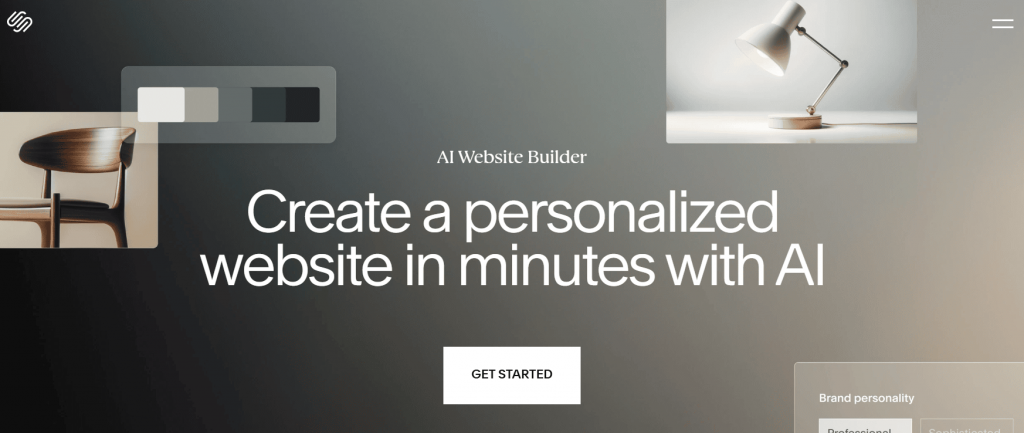
Squarespace is a no-code website builder that helps you create a professional website without the usual hassle. The templates are ready to use and simple to adjust, so you can launch quickly. It also includes built-in tools for online selling and SEO, giving your business an extra push.
Key unique features
- Drag-and-drop editor lets you adjust pages visually without touching code
- Web design templates built for different industries and styles
- Mobile-friendly layouts so your site looks good on any device
- E-commerce features, including online store tools, checkout features, and product pages
- SSL security, image management, and theme editing are included by default
Who it’s best for
- Creatives and professionals who want visual appeal built in
- Users looking for a beautiful website design with minimal setup work
- Small businesses planning to sell online and use e-commerce tools
What users are saying
Many people say Squarespace helps them build a site that looks polished right from the start. One user shared, “I can easily create a personal brand and an online destination to sell my digital products. Squarespace brings my brand to life in a way my audience can connect with.” Reviews often mention the templates, layouts, and built-in tools that help sites look put together without a long setup.
Some users do note a few limits. Design flexibility can depend on the template you choose, and switching templates or adding features later can feel restrictive when updating or expanding a site.
Pricing and plans
Plan | Cost/Term | |
|---|---|---|
Basic | $16/month billed annually |
|
Core | $23/month billed annually |
|
Plus | $39/month billed annually |
|
Advanced | $99/month billed annually |
|
Note: These prices reflect the latest information available at the time of publication. Please confirm the provider’s most recent rates.
Weebly

Weebly, now part of Square Online, gives small businesses a budget-friendly way to build professional websites and online stores using easy drag-and-drop tools. You can start with a free plan, then move to a paid option as your site or store grows.
Key unique features
- Drag-and-drop editor so you can build without dealing with code
- Customizable templates for flexible style and layout control
- E-commerce features in higher tiers: shopping cart, inventory tools, digital goods
- Mobile-responsive designs so sites look good on phones and tablets
- SEO tools and analytics tools, with basic options on lower plans and advanced reporting on Professional/Performance tiers
Who it’s best for
- Small businesses that want a professional website or online store without high costs
- Users who want to start with a free plan and upgrade later
- People who prefer simple tools over deep customization options, but still want a reliable site
What users are saying
Many users describe Weebly as easy to pick up and simple to manage. One reviewer summed it up clearly, “Easy and well organized. Features work smoothly and the overall experience is good.” Reviews often highlight the drag-and-drop interface, clean templates, and the ability to quickly put together a functional site. The free plan is also mentioned as a helpful starting point for simple projects or early testing.
That said, some users point out limits around customization. Reviews frequently mention basic SEO tools and fewer advanced features, which can make it harder to fine-tune designs or scale as a site grows.
Pricing and plans
Plan | Cost/term | Plan inclusions |
|---|---|---|
Free | $0/month |
|
Personal | $10/month billed annually ($15 month-to-month) |
|
Professional | $12/month billed annually ($16 month-to-month) |
|
Performance | $26/month billed annually ($29 month-to-month) |
|
Note: These prices reflect the latest information available at the time of publication. Please confirm the provider’s most recent rates.
Hostinger
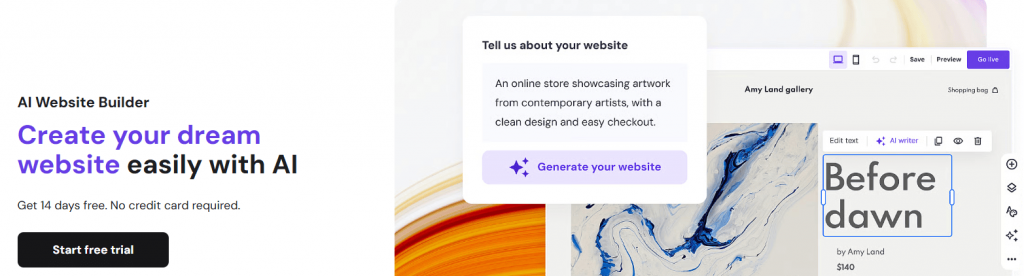
Hostinger gives you a budget-friendly way to build and host your site in one place. Small business owners like that it saves them from juggling different providers. The service is steady, easy to use, and backed by reliable uptime. It also offers tools that can grow with your business.
Key unique features
- Drag-and-drop builder for quick customization options
- E-commerce tools for launching online stores
- Free custom domain and SSL certificate for the first year
- Mobile-friendly design that works across devices
- Built-in SEO tools to improve visibility
- 24/7 multilingual developer support for global users
Who it’s best for
- Small businesses that need budget-friendly, all-in-one solutions
- Users who want website creation and hosting bundled together
- Beginners who want low-cost plans with solid support
What users are saying
Most people say Hostinger is reliable and intuitive. The AI website builder, in particular, is noted for helping beginners create functional sites in minutes without needing prior technical knowledge. Users also note that performance remains strong even as traffic grows.
However, some users report a few rough edges, such as occasional glitches with image uploads or bulk actions. Others note that advanced customizations can take extra patience or technical know-how. A few also point out that lower-cost plans come with limits that become more noticeable as the site grows.
Pricing and plans
Plan | Cost/term | Plan inclusions |
|---|---|---|
Premium | $1.99/month (renews at $10.99/month) |
|
Business | $3.99/month (renews at $16.99/month) |
|
Cloud Startup | $6.99/month (renews at $25.99/month) |
|
Note: These prices reflect the latest information available at the time of publication. Please confirm the provider’s most recent rates.
Dorik
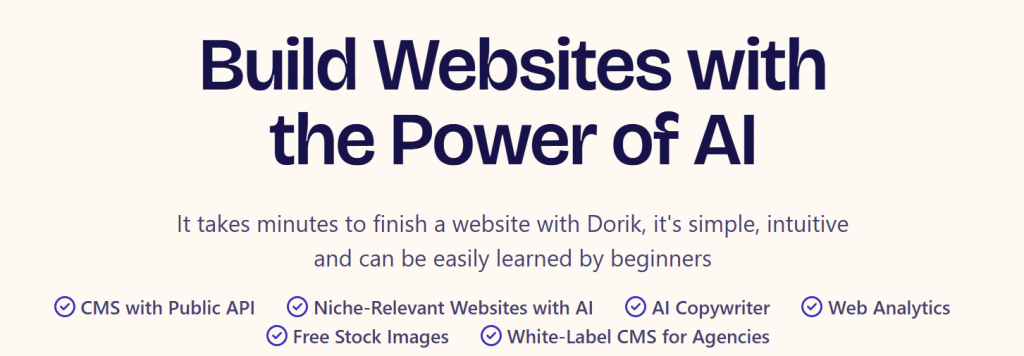
Dorik is designed for users who want clean, professional websites without a steep learning curve. It combines a simple drag-and-drop editor with customizable templates that makes it easy for individuals and small businesses.
Dorik also offers hosting, SSL certificates, and built-in tools so you can launch a professional website securely.
Key unique features
- Drag-and-drop editor to launch sites quickly without coding skills
- Customizable templates for a professional, branded look
- Hosting and SSL certificate included for security and reliability
- Blogging, forms, and integration capabilities to extend site functionality
- SEO tools to boost online visibility
Who it’s best for
- First-time owners who just want a simple way to get online
- Freelancers and small shops that need a professional website without spending too much
- Small business owners who prefer easy tools with templates they can adjust to fit their brand
What users are saying
Many users say Dorik is refreshingly simple and well-designed. They like that the drag-and-drop builder works smoothly even without coding skills. Templates often get praise for being clean and modern, while support is described as quick to respond and helpful when needed. One reviewer on Capterra called it a “superb WordPress alternative that delivers simplicity, robust support, and full capabilities for professional website construction without the need for coding.”
On the flip side, a few users mention that the free vs paid plan setup can feel confusing, especially when trial content becomes locked. Others note that integrations and advanced features are more limited than in larger platforms. Even so, most agree that the trade-off is worth it if you want a fast, straightforward way to build a site.
Pricing and plans
Plan | Cost/term | Plan inclusions |
|---|---|---|
Free | $0 (14-day trial) |
|
Personal | $10.38/month billed yearly |
|
Business | $20.75/month billed yearly |
|
Agency | Contact for pricing |
|
Note: These prices reflect the latest information available at the time of publication. Please confirm the provider’s most recent rates.
Google Sites
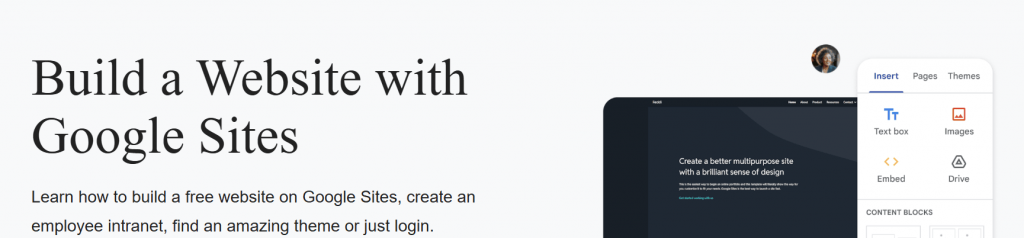
Google Sites is a no-code website builder that’s free to use, made for people who want to build simple sites quickly. It works well for website creation tasks that don’t need heavy customization options or complex SEO tools.
Key unique features
- Real-time collaboration so multiple people can edit together, just like in Google Docs
- Drag-and-drop editor that has a user-friendly interface and requires no coding knowledge
- Customizable templates that reflect your style and brand
- Google tools integrations (Docs, Sheets, Calendar, etc.) to embed content directly in your site
- Basic SEO tools like customizing page titles, URLs, and meta descriptions
Who it’s best for
- Users who want a simple and cost-free personal website for personal or basic projects
- Collaborative projects where many editors share access (teams, groups, classrooms)
- People who want stunning websites without paying or dealing with complexity
What users are saying
Users describe Google Sites as a simple way to quickly put together a website. They like that it’s free, easy to use, and works well for basic projects or internal pages.
Some point out that design and customization are limited, but most agree it’s a good fit when you need something fast and reliable.
Pricing and plans
Plan | Cost/term | Plan inclusions |
|---|---|---|
Free | $0 | Build and host a website using Google Sites with a personal Google or Gmail account |
Note: Google Sites is always free when used with a personal Google account.
Appy Pie

Appy Pie is a beginner-friendly no-code website builder that keeps things simple. You can choose from mobile-friendly templates, arrange pages with a few clicks, and go live without much hassle. It offers a free plan for basics, while paid plans unlock additional tools and flexibility.
Key unique features
- Straightforward drag-and-drop tools for fast website creation
- Visual website builder so pages look the same online as they do while editing
- Full site setup without coding knowledge for complete design control
- Beginner-friendly builder to help first-timers launch fast
- Ready-to-use essential features that speed up site creation
- User-friendly interface editor for smooth, stress-free building
Who it’s best for
- Beginners who need a simple website up and running quickly
- Small-scale projects or personal websites with minimal complexity
- Users who want to get a simple site live in just a few hours with minimal setup
What users are saying
Most users praise Appy Pie for how easy it is to use and learn. They like that very little technical skills are needed. You can drag, drop, and pick templates without worrying about code, while also adding functions like forms, media, or payment options along the way.
Many also say the developer support team is helpful, fast, and patient when guiding them through building issues. On the flip side, a handful report frustrations around refunds or billing during the trial period.
Pricing and plans
Plan | Cost/term | Plan inclusions |
|---|---|---|
Free | $0 (14 days) |
|
Starter | $15/month |
|
Grow | $36/month |
|
Note: These prices reflect the latest information available at the time of publication. Please confirm the provider’s most recent rates.
Duda
Duda is built for agencies and teams that manage multiple client projects. It combines collaborative interface tools, white-labeling options, and scalable features to keep website creation efficient and organized.
Key unique features
- Beginner-friendly builder lets you design without writing any code
- Drag-and-drop builder makes creating websites simple and fast
- Reusable content sections allow you to customize sites with flexible blocks
- Multi-site management helps you oversee and control multiple sites from one dashboard
- Third-party integrations connect with Google tools like Google Sheets, Mailchimp, Zapier, and more
- The white-label option lets agencies add their branding for a professional look
- A collaborative interface makes teamwork easy with a shared dashboard
Who it’s best for
- Agencies and teams that handle multiple client websites
- Businesses that need strong collaboration tools and client management
- Teams searching for a scalable solution with automation features
What users are saying
Many users say Duda makes website building feel much easier than expected. New users like that the platform simplifies setup with ready-to-use customizable templates, while the drag-and-drop editor makes customizing sections straightforward. One reviewer shared, “Even though I am new to building a website Duda did a great job of making it easy for me. Made me realize what I thought was a daunting task was actually pretty easy.”
That said, some users report that certain features, like the AI website builder help bot, can be repetitive or unhelpful at times. A few also note that advanced features feel limited compared to larger platforms, though most agree it’s still a solid choice for quick, responsive site creation.
Pricing and plans
Plan | Cost/term | Plan inclusions |
|---|---|---|
Basic | $19/month (billed annually) |
|
Team | $29/month (billed annually) |
|
Agency | $52/month (billed annually) |
|
White Label | $149/month (billed annually) |
|
Custom | Contact sales |
|
Note: These prices reflect the latest information available at the time of publication. Please confirm the provider’s most recent rates.
How to choose a website builder with the features you need
Picking the easiest website builder depends on what matters most for your project. These criteria can help you compare no-code builders side by side and choose the right fit.
- Ease of use: Look for drag-and-drop editors, customizable templates, and pre-built components that have intuitive design tools to reduce the learning curve.
- Design options: Pick a builder that lets you adjust layouts and styles. This way, you can create a site with complete control over how your site fits your brand.
- Pricing: Compare free trials and starter plans. Weigh them against long-term costs to get the best deal.
- SEO tools: Built-in SEO tools help your site rank in search engines. More visibility means more visitors.
- Scalability: Choose a platform with e-commerce tools, web hosting, and add-ons. These will help your site grow with your business.
- Support: Reliable 24/7 support is very important. Learning resources, as well. These will guide beginners in troubleshooting and achieving results.
With these factors in mind, you can pick the best no-code website builder that balances usability, affordability, and growth potential.
Frequently asked questions
Yes. No-code website builders work well for e-commerce. They let you build an online store without writing code and include built-in tools for payments, shipping, and inventory management.
If you’re curious how a no-code builder works in a real setup, this guide explains what the Network Solutions Website Builder is, how it’s structured, and what features are included.
Building a website from scratch gives you full creative freedom, but it also takes more time and solid technical skills. For most people who want to launch fast, web design sites with customizable templates are a more practical choice. You can get a site live sooner without having to handle everything yourself.
Website builders make it easier to get a website online without a long setup process. You can choose from customizable templates, use drag-and-drop tools, and add built-in features such as SEO and e-commerce. This helps you publish faster and keep costs more manageable.
No-code builders are built for people who want simple tools, such as drag-and-drop editors and ready-made templates. Low-code builders support some custom code, which provides greater flexibility. These are usually a better fit for developers or advanced users who need more flexibility for complex websites.
Create your website with a no-code website builder
Building a website used to mean hiring help or learning new skills. A no-code website builder changes that. You can put pages together using drag-and-drop tools, choose from customizable templates, and add SEO features to help your site show up in search results. If you plan to sell, e-commerce options are there when you need them.
Your site also needs the basics to run smoothly. That includes SSL, web hosting, and a domain, which is often included for the first year. With our Website Builder, everything works in one place, so you can launch your site and manage it through our starter plans without juggling extra tools.