Key takeaways:
- A good photography website builder offers a mix of user-friendliness, useful tools, and reasonable pricing.
- Specialized builders offer photography-focused tools like client galleries, proofing, and print sales.
- Costs can vary widely, so it’s important to compare plans carefully and choose one that matches both your budget and long-term goals.
Research from Great Big Photography World in 2024 found that 40% of a photographer’s work comes through portfolio websites. Today, having a professional website in any creative field greatly increases your chances of bringing in clients and selling your work.
Photography website builders make it easy to set up your online presence with minimal effort. Many come with premade templates, AI tools, and built-in marketing features that allow you to build a live website in just a few clicks. But how do you choose among the many options available?
In this article, we’ve curated a list of the best website builders for photographers, highlighting their key features, pricing, and who each one is best suited for.
How we developed this list
To create this list, we sifted through 50 customer reviews from reputable platforms like Trustpilot, G2, and Capterra, and conducted limited hands-on testing on the tools’ free versions. We based our selection on which platforms have beginner-friendly tools, features tailored to photography, their market reputation, and what each option offers for the price.
Here’s what we looked at when evaluating:
- Limited hands-on testing: We ran short trials using the free versions of each platform to validate ease of use and template quality.
- Customer review analysis: We examined 50 user reviews from platforms like Trustpilot, G2, and Capterra to identify recurring praise and complaints around usability, support, and value for money.
- Cross-platform consolidation: We compared feedback across multiple review sources to confirm consistent patterns.
- User-reported feature assessment: We paid close attention to features users mentioned most often to determine which builders truly meet photographers’ needs.
This approach ensures our round-up reflects actual user experiences and costs rather than marketing claims, giving you insights from people who have extensively used these platforms.
Disclaimer: This article is for informational purposes only. Pricing and specifications (where indicated) are current as of publication but may change. Please consult a product specialist for your specific use case.
Comparison of the best photography website builders
Here’s a quick overview of top photography website builders, with notes on cost, main features, and ideal users. These platforms cater to photographers of all levels, whether they have website-building experience:
- Network Solutions
- Wix
- Squarespace
- Zenfolio
- Pixpa
Website builder | Pricing | Key features | Best for |
|---|---|---|---|
Network Solutions | From $4.99/month | Drag-and-drop builder | Beginners and small businesses that want everything under one provider |
Wix | From $17/month | Flexible drag-and-drop editor | Freelancers, creatives, and SMBs who want maximum design control |
Squarespace | From $16/month | Blueprint AI | Creatives and small businesses seeking a polished, professional site with minimal setup |
Zenfolio | From $7/month | Photography-specific templates | Photographers and studios that need an online portfolio, proofing, and sales in one place |
Pixpa | From $5.40/month | Client galleries | Photographers, designers, and artists who want a budget-friendly portfolio website |
Note: Prices are based on monthly rates with annual billing and are current at the time of writing. Pricing and plan details may change without notice. Please check with the provider directly for the most up-to-date pricing.
Network Solutions
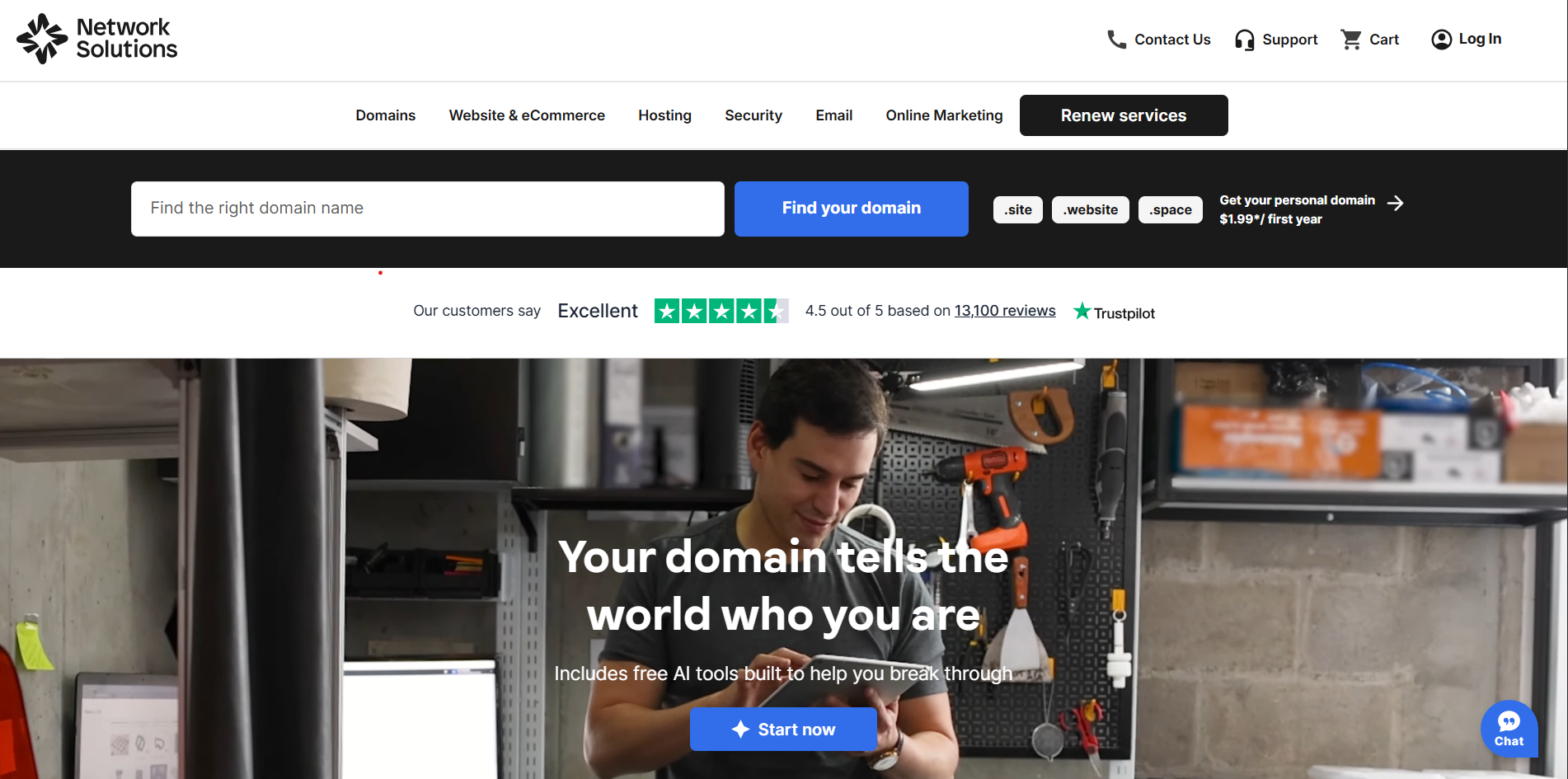
With decades of experience in domains and online services, Network Solutions continues to help businesses show up strong online. What started with trusted domain expertise has grown into a complete, business-focused platform offering website builders, hosting, email, and security—everything you need to build with confidence and scale with momentum.
Key unique features
- All-in-one access to domains, hosting, and professional email, so you can manage your online presence from a single dashboard
- Built-in AI website builder and e-commerce tools that work seamlessly with your hosting, making updates, maintenance, and growth easier to manage
- Integrated domain management that simplifies connecting your domain to your website and hosting, even if your domain is registered elsewhere
- Business-focused website builder templates designed to help you customize your site faster and launch with confidence
- Integrated email and social marketing tools that help you promote your work and stay connected with your audience
- Appointment scheduling features that allow clients to book photography services directly through your website, all managed in one place
- Built-in SEO essentials that let you manage page titles, descriptions, and other on-page elements to support search visibility
Who is it best for
Network Solutions is built for small business owners who want everything working together from day one. It’s a strong choice for businesses that value dependable website essentials and the confidence that comes with having all their core services in one place.
Network Solutions is a smart fit for small businesses that want to move forward with confidence. With reliable website essentials and an all-in-one setup, it helps you stay focused on growth instead of managing multiple tools.
What users are saying
Many users point to how quickly they can get a site live with Network Solutions, highlighting its straightforward setup and approachable tools. As one reviewer shared, “It’s very easy to get a website up and going. You [don’t] need much technical understanding. The basics, and you are good to go.”
At the same time, feedback shows that experiences can vary depending on needs and expectations. Some users feel certain features could be more modern, describing the platform as “antiquated and bulky” or “outdated and not user-friendly.” Support experiences also differ, with some users noting prompt, helpful assistance, while others mention slower response times or issues that took longer to resolve.
Pricing and plans
Network Solutions offers flexible pricing plans designed to meet you where you are with your business. The table below outlines Network Solutions’ website builder plans, including starting prices, billing terms, and the main features included with each option.
Plan | Cost/Term | Plan inclusions |
|---|---|---|
Website | $4.99/month | AI-powered website builder |
Website + Marketing | $7.99/month | Everything in Website plan |
E-commerce | $13.99/month | Everything in Website + Marketing plan |
Note: Pricing is current at the time of writing, but can change without prior notice. Please check with the provider directly for the most up-to-date pricing.
Wix
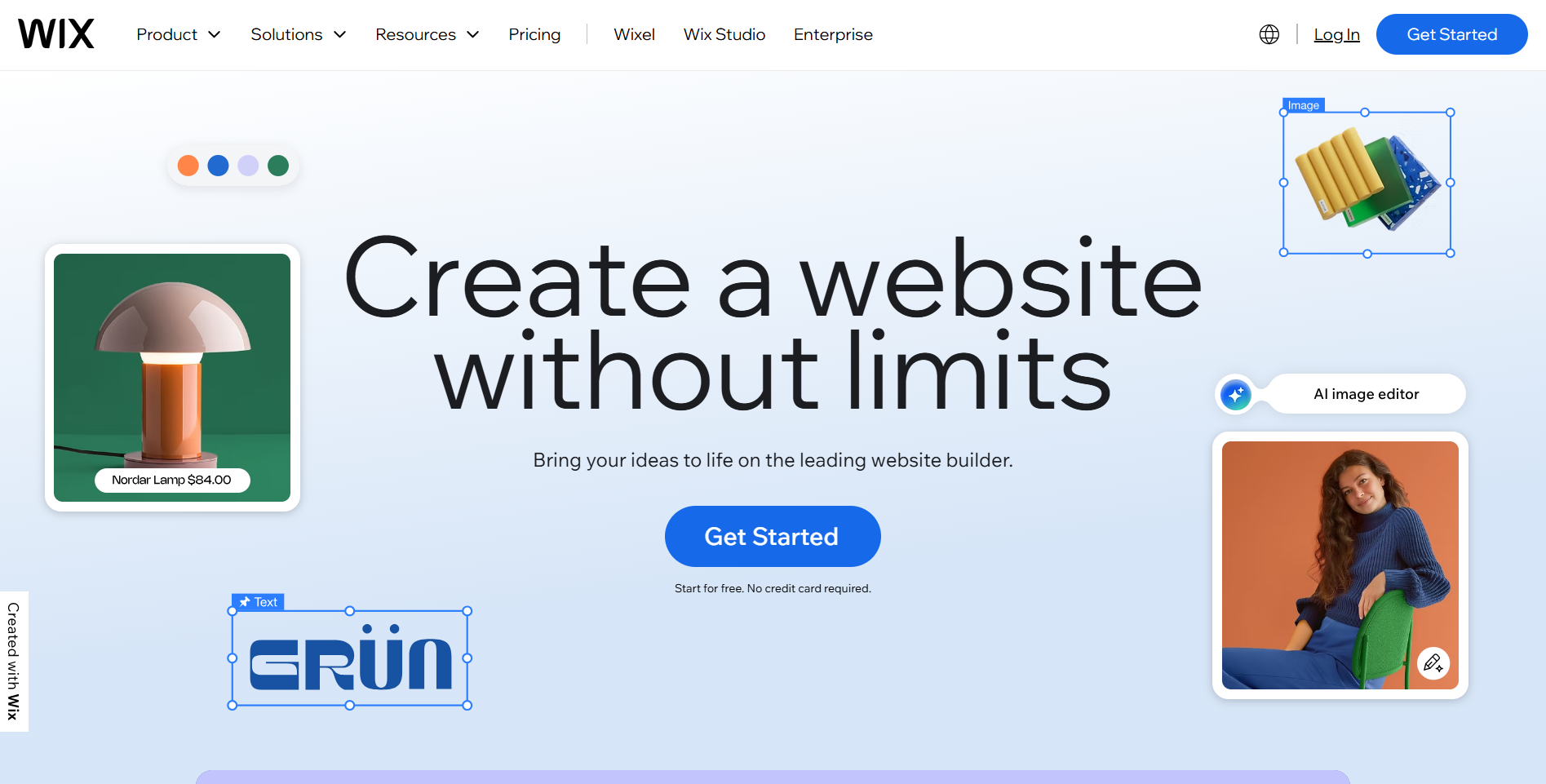
Wix remains one of the most widely used website builders, known for its vast selection of customizable templates and intuitive drag-and-drop editor. It enables users to create visually appealing, highly personalized websites without coding.
In recent years, Wix has expanded its platform with robust AI-powered design and content tools, built-in e-commerce features, and extensive business and marketing functionality, making it a versatile choice for creatives, small businesses, hobbyist, and professional photographers alike.
Key unique features
- Photography website templates to showcase your work with layouts that highlight your visual style
- Easy drag-and-drop builder for effortless site customization
- AI-powered design and marketing tools for quicker and more efficient site building and promotion
- Built-in SEO to get you found online, book clients, and sell prints in one platform
- Conversational AI site builder that crafts a tailored website from your answers in minutes
- AI-generated sections that help populate content for your contact forms and web pages
- Tailored image generation and enhancement tools to create or refine visual assets
Who is it best for
Wix is a solid choice for small to mid-sized businesses, freelancers, and creatives who want an easy-to-use platform with room to shape their visual identity. Photographers and other creative professionals often choose Wix for its wide selection of polished, ready-to-use templates. It’s also well-suited for businesses interested in AI-powered design tools while still keeping complete creative control over their branding.
What users are saying
User reviews for Wix are largely positive. Many highlight the platform’s ease of use and quick setup, with one small-business user saying, “Wix is a very user-friendly platform for anyone who desires to build their website on their own.”
On the design side, reviewers consistently praise the visual quality of Wix’s templates. One called them “stunning, easy to use and customize, and responsive on all devices,” while another hailed them as gorgeous.
User opinions on support and pricing are divided. Some users like the range of features they get for the price, but some say pricing can be confusing or that advanced tools cost extra. Support is usually quick to respond for simple issues, but others report delays when addressing technical problems.
Pricing and plans
Wix offers several premium plans designed to support different stages of website growth, from a basic website to one with full e-commerce functionalities. Below is a breakdown of Wix’s premium plans, including pricing, billing terms, and the features included at each level.
Plan | Cost/Term | Plan inclusions |
|---|---|---|
Light | $17/month | Free domain for 1 year |
Core | $29/month | Free domain for 1 year |
Business | $39/month | Free domain for 1 year Accept payments |
Business Elite | $159/month | Free domain for 1 year Accept payments |
Note: Pricing is current at the time of writing, but can change without prior notice. Please check with the provider directly for the most up-to-date pricing.
Squarespace
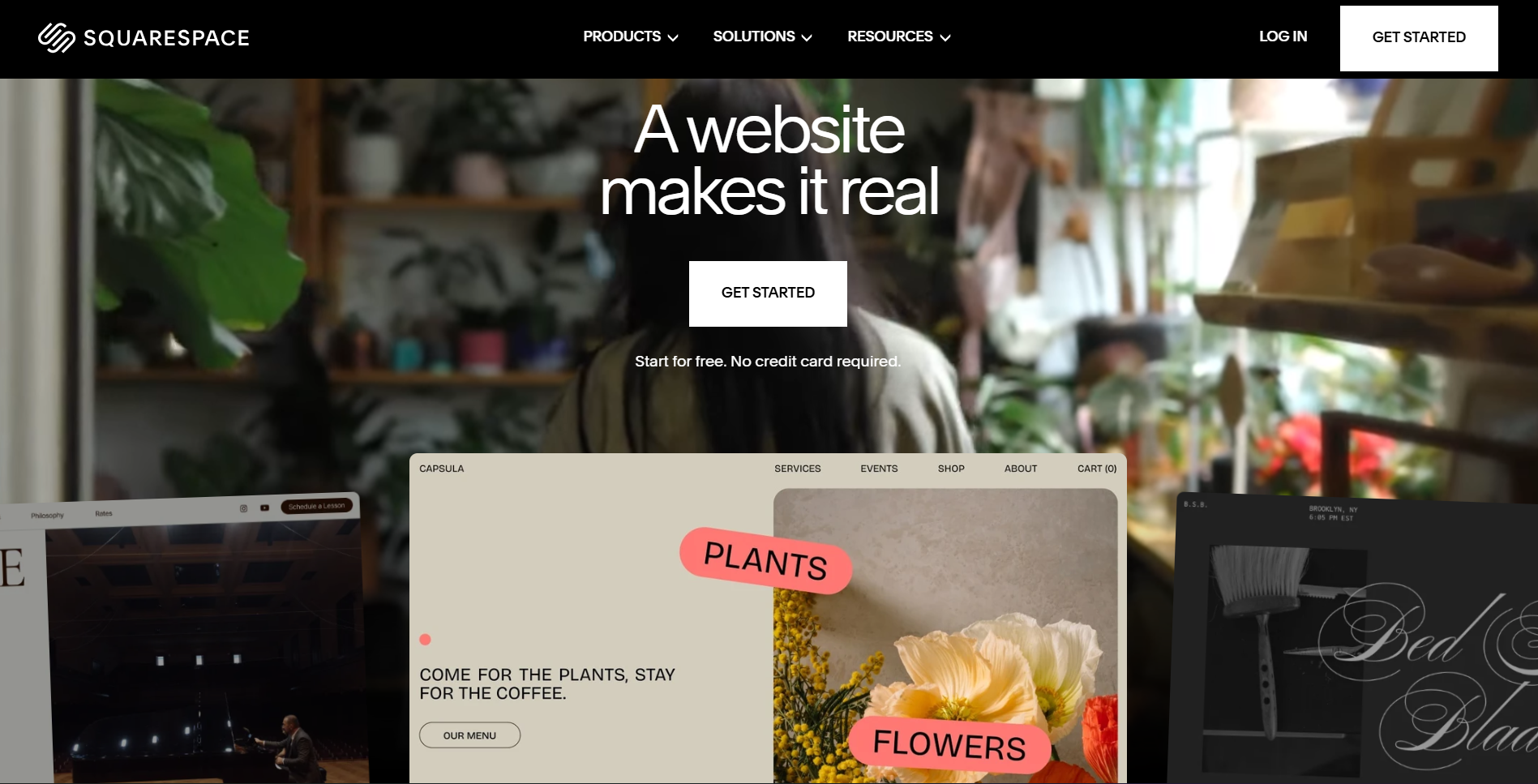
Squarespace is widely recognized for its sleek, designer-made templates and visually polished websites. It’s also popular among small businesses and creative professionals who want an online presence without coding. It includes built-in tools for portfolios, blogs, and online stores and works as an all-in-one solution—combining website and brand management in one platform.
Key unique features
- High-quality templates for professional photography and creative portfolios that highlight your visual style
- Built-in SEO, analytics, and marketing tools to support visibility and growth
- Integrated e-commerce with inventory and digital product support
- Mobile-responsive designs with crisp image handling
- Custom CSS/HTML support for extra flexibility
- AI-assisted site creation with Blueprint AI to generate tailored layouts and content
- Built-in scheduling and business tools for client bookings and service offerings
Who is it best for
Squarespace is a strong fit for creatives who want their work to lead the conversation. Its design-forward templates make it easier to launch a polished, professional site without spending time on setup or code.
Photographers, designers, and artists benefit most when showcasing visually rich portfolios is the priority. For businesses weighing ease of use against brand presentation, Squarespace offers a clear path forward: less time building, more time presenting a brand that looks intentional and refined.
What users are saying
Reviewers consistently praise Squarespace’s user-friendliness and intuitive drag-and-drop editor. One website designer wrote, “It makes it easy even for non-coders or non-technical people to manage their websites. . . The fluid editor is very responsive and intuitive.”
Most feedback on customer support is positive, with many calling the support team helpful and quick to respond. An artist and founder noted, “Squarespace customer support is one of the best I have ever talked with—always happy to help and quick to solve any issues.” Others highlighted community resources like Squarespace Circle and built-in guides, which reduce reliance on direct support.
Pricing is seen as reasonable for the bundled value, though some SMBs mention that email campaigns and add-ons increase costs.
On the design side, Squarespace receives some of its strongest praise. A photographer-focused reviewer shared that the templates are clean and professional, perfect for showcasing his portfolio. Others emphasize how high-quality images and elegant layouts help their websites look modern and professional with minimal effort.
Pricing and plans
Squarespace offers tiered plans that scale based on features, e-commerce capabilities, and content needs. The table below outlines plan pricing, billing options, and the tools included at each level.
Plan | Cost/Term | Plan inclusions |
|---|---|---|
Basic | $16/month (annual billing) | Free custom domain for 1 year |
Core | $23/month (annual billing) | Everything in Basic |
Plus | $39/month (annual billing) | Everything in Core |
Advanced | $99/month (annual billing) | Everything in Plus |
Note: Pricing is current at the time of writin,g but can change without prior notice. Please check with the provider directly for the most up-to-date pricing.
Read our in-depth Squarespace review to find out more details about whether or not Squarespace is the right platform for you.
Zenfolio
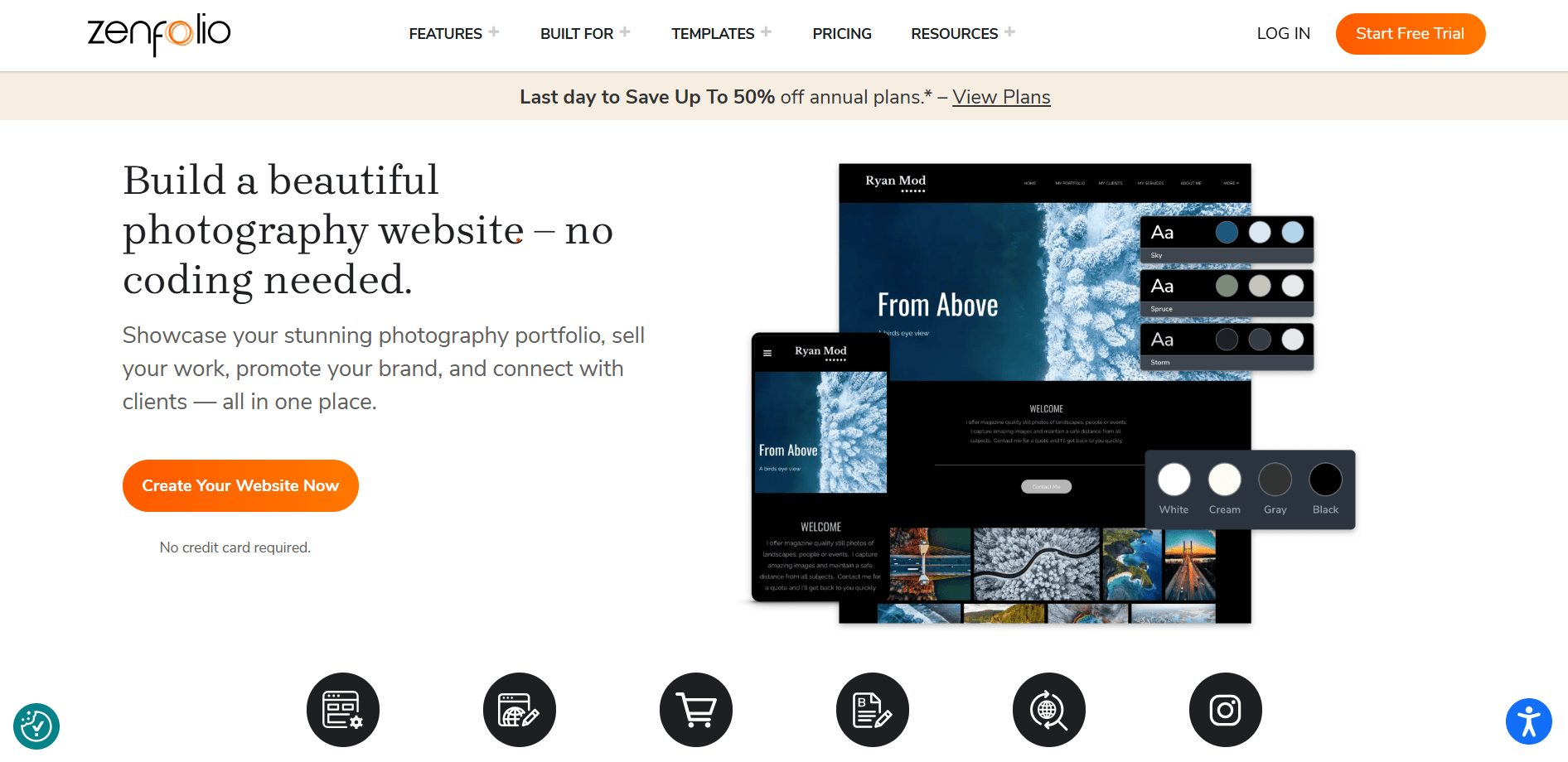
Zenfolio is a website builder designed for photographers and videographers. It combines portfolio websites, client galleries, proofing, and e-commerce tools into one platform. From selling prints and booking photo shoots to sharing client albums, Zenfolio streamlines the process so you can spend more time on your craft and less on website administration.
Key unique features
- Photography-first templates designed to highlight your images with clean, professional layouts
- Intuitive drag-and-drop website builder that lets you customize your site without coding
- Client proofing galleries that let clients easily select favorites and comment on photos
- Built-in online store for selling prints, digital downloads, and photo packages directly from your site
- Automated lab fulfillment that handles printing and shipping on your behalf
- Integrated SEO tools and blogging capabilities to help you attract and engage your audience
- Live Instagram feed integration to keep your site content fresh and engaging
- Secure, cloud-based storage with media management for your photos and videos
Who is it best for
Zenfolio is built for photographers who treat their work as a business, not just a portfolio. It brings client proofing, online sales, and fulfillment tools into one workflow, helping photographers move from delivery to payment without friction.
Wedding, portrait, and event photographers benefit most, especially when managing large galleries, client approvals, and print sales is part of their day-to-day work. Choosing Zenfolio means prioritizing efficiency and revenue alongside presentation, giving photographers a clearer path to scale their services.
What users are saying
Many photographers appreciate Zenfolio for its photography-first workflow, quick customization, and overall value. One satisfied reviewer shared, “Easy to customize. Low price for great features. Great templates. Love for client gallery delivery. Really very happy with it.”
That said, some feedback points to recent changes that can impact how galleries are accessed over time. One customer noted, “The archive feature that automatically archived my older galleries and takes ages to get them back ruined the experience for me.”
Overall, Zenfolio earns recognition for simplifying core photography workflows and delivering strong value for the price. However, photographers who depend on long-term access to large client galleries may want to factor in how the newer auto-archiving system fits into their workflow before committing.
Pricing and plans
Zenfolio’s pricing is structured around storage limits, sales tools, and workflow features that support different stages of a photography business. The table below outlines plan costs, billing options, and what’s included at each level.
Plan | Cost/Term | Plan inclusions |
|---|---|---|
Basic | $7/month (annual billing) | 15 GB storage (approx. 4,500 photos) |
Professional | $11.50/month (annual billing) | 150 GB storage (approx. 60,000 photos) |
Advanced | $20/month (annual billing) | Unlimited JPEG + 150 GB video storage (4K supported) |
Note: Pricing is current at the time of writing, but can change without prior notice. Please check with the provider directly for the most up-to-date pricing.
Pixpa

Pixpa is an all-in-one website builder created for creatives, by creatives. It’s designed to remove the complexity and high costs that often hold artists and photographers back, focusing instead on a simpler, more affordable way to get online. With built-in tools for showcasing, sharing, and selling work, Pixpa helps photographers, designers, and other creatives move forward without coding.
Key unique features
- Well-designed and highly optimized templates for showcasing creative projects and photographs online with responsive, professional layouts
- Client proofing galleries with built-in e-commerce tools that let clients select favorites, comment, and buy directly from galleries
- Integrated online store with zero commissions so you keep 100% of your sales, including prints, digital files, and products
- Drag-and-drop page and site builder that lets you customize layouts and content without coding
- Built-in blogging platform for sharing stories, behind-the-scenes content, and announcements
- A unified dashboard to manage your website, galleries, store, blog, and client interactions in one place
- Powerful SEO tools with automatic sitemaps, clean markup, and customizable metadata to increase your site’s online visibility
- Integrated social media options, including Instagram galleries and sharing widgets
Who is it best for
Pixpa is a strong fit for creatives who want a clean, photography-focused website without stitching together multiple tools. With built-in galleries and sales features, it gives photographers a clear path to showcase work and start selling quickly.
For those prioritizing affordability and simplicity over heavy customization, Pixpa removes common setup barriers and helps turn a portfolio into a working business site sooner rather than later.
What users are saying
Many photographers and creatives highlight Pixpa’s ease of use, clean portfolio templates, and accessible pricing as key strengths. One G2 reviewer shared, “Their affordable plans and user interface are really good! The features they offer are also easy to use.”
At the same time, some feedback points to trade-offs in flexibility. A few users note limits in template customization, even though the overall design quality is often praised. Others mention that domain management isn’t fully integrated, meaning a domain may need to be purchased separately rather than handled directly within the platform.
Pricing and plans
Pixpa’s pricing plans are structured around storage limits, client tools, and e-commerce features, with discounts for longer billing terms. The table below breaks down plan costs, billing options, and what’s included at each level.
Plan | Cost/Term | Plan inclusions |
|---|---|---|
Basic | $9/month (billed monthly) | 3 GB storage |
Creator | $15/month (billed monthly) | 5 GB storage |
Professional | $20/month (billed monthly) | 25 GB storage |
Advanced | $25/month (billed monthly) | 100 GB storage |
Note: Pricing is current at the time of writing, but can change without prior notice. Please check with the provider directly for the most up-to-date pricing.
Frequently asked questions
Generic website builders like Wix and Network Solutions cater to a wide range of businesses, but they often lack specialized tools that photographers truly need. In contrast, photography-focused platforms like Zenfolio and Pixpa offer features tailored to creative professionals—such as client proofing galleries, watermarking, instant image download, and automated lab fulfillment—that make managing a photography business much easier.
Most photography builders cost $5–$25/month, while general builders range $16–$39/month for similar features. Add about $10–$20/year for a custom domain, for a total of $92- $310/year.
No. All major builders use drag-and-drop editors. Some, like Squarespace or Wix, allow custom CSS/HTML for further customization, but it isn’t required.
Free plans are great for testing the platform, but they come with ads, limited storage, and no custom domain. A paid plan is necessary to look professional, handle high-quality images, and monetize your work.
For photographers looking to keep costs low without sacrificing quality, builders like Pixpa, Zenfolio, and Network Solutions’ entry-level website plans stand out in 2026. These platforms focus on photography essentials such as clean templates, image galleries, and basic selling tools at a lower price point. They work well for early-stage photographers, small studios, or creatives who want a professional presence without paying for features they won’t use right away.
Several website builders are well equipped for high-resolution image hosting, including Squarespace, Zenfolio, Wix, and Pixpa. These platforms are designed to handle large image files while maintaining performance and visual quality across devices.
How to choose a photography website builder
Choosing a photography website builder isn’t just about picking the best-looking templates. The right platform should support how you work today while giving you room to grow as your photography business evolves. Before committing to a builder, think about how you plan to use your site and which features will actually move your business forward.
These factors can help you narrow down which photography website builder best fits your needs:
- Determine how you plan to use your website
- Prioritize image quality and performance
- Decide how much control you want over the design
- Consider the built-in business tools
- Look beyond the starting price
Determine how you plan to use your website
Some photographers only need a clean portfolio to showcase their work. Others rely on their website to sell prints, book clients, or manage ongoing projects. Builders like Wix and Squarespace offer flexibility for portfolios and branding, while photography-focused platforms such as Zenfolio and Pixpa are better suited for sales-focused workflows.
Prioritize image quality and performance
High-resolution images are a core requirement for photographers, yet not every website builder supports them equally well. Look for platforms that offer generous storage, image optimization, and responsive galleries so your photos load quickly without losing quality.
Decide how much control you want over the design
Some builders give you near-total freedom over layout and styling, while others guide you with structured templates. Wix is ideal if you want granular design control, while Squarespace and Pixpa favor consistency and polish.
Consider the built-in business tools
If your website generates income, built-in tools matter. Features like client proofing, e-commerce, booking, invoicing, and automated fulfillment can reduce manual work and help you get paid faster. Platforms built specifically for photographers, like Pixpa and Zenfolio, often bundle these tools in, while general builders may require add-ons.
Look beyond the starting price
Entry-level pricing can be misleading. Some platforms charge extra for storage, e-commerce, or marketing tools as you scale. Others offer lower starting costs but include limits that may become restrictive over time. Comparing renewal pricing, storage caps, and transaction fees can help you avoid switching platforms later.
Match the platform to your growth plans
A website builder should support where you’re headed, not just where you are now. If you plan to expand your services, sell more products, or collaborate with others, look for a platform that scales with your workflow. Choosing the right builder early can save time, money, and frustration as your business grows.
Choose the platform that best fits your business goals
The right website builder depends on your priorities. Based on our research and aggregation of actual customer reviews:
- Wix is great if you want maximum flexibility and plenty of design control.
- Squarespace is a good option if you want stylish templates and a quick setup.
- Zenfolio is geared toward photographers who need tools like client proofing and print sales in a simplified workflow.
- Pixpa offers cheaper options for basic portfolios, galleries, and an online shop for those on a budget.
- Network Solutions offers budget plans and is a good fit for small businesses that want domain, hosting, email, website building, and security managed together.
According to our analysis, Pixpa stands out as the best overall choice for photographers. It’s cheap and combines photography-focused templates, galleries, blogging, and e-commerce in one simple dashboard. While the lack of domain management is one drawback, users often point to its ease of use and overall value, which works well for both new and experienced photographers.
If your goals extend beyond a photography portfolio into running an online business, Network Solutions stands out as a practical next step. We bring your website, domain, email, and online store together in one place, reducing setup friction and ongoing maintenance.
For photographers who want to spend less time managing tools and more time growing their business, this all-in-one approach creates a clearer, more scalable path forward.
>>Check out these related articles: