

Key takeaways:
- ChatGPT stands out for versatility, Claude for in-depth analysis, Gemini for Google Workspace integration, and Grok for real-time information and trend monitoring.
- The best AI assistant depends on your workflow, goals, and the tasks you need it to support.
- Using multiple AI models can often deliver better results than relying on a single platform for every task.
The AI assistant market is no longer a single-tool race. Professionals are increasingly using multiple AI platforms because different models excel at different tasks, from research and writing to coding, analysis, and brainstorming.
The trend is also visible in enterprises. In a 2025 Andreessen Horowitz survey of 100 CIOs, 37% of respondents reported using five or more AI models, up from 29% the previous year.
Rather than focusing only on feature lists, this ChatGPT vs. Claude vs. Gemini vs. Grok guide examines how each assistant performs in real-world workflows. We’ll explore where each tool excels, where it falls short, and which option makes the most sense for specific professional needs.
Bring more AI into your workflow!
Get multiple AI tools in one bundle to help with content, ideas, research, and everyday business tasks.

How do the top AI tools compare?
ChatGPT, Claude, Gemini, and Grok are four leading AI platforms in today’s market:
- ChatGPT is OpenAI’s AI assistant for individuals, businesses, and developers.
- Claude is Anthropic’s AI assistant for personal, professional, and organizational workflows.
- Gemini is Google’s AI assistant, integrated across its consumer, productivity, and developer ecosystem.
- Grok is xAI’s AI assistant, available through Grok products and X.
While their core capabilities overlap, each platform has developed strengths in different workflows, integrations, and use cases.
Why comparing AI platforms is important
AI platforms are evolving rapidly, with major updates to models, tools, integrations, AI agents, and automation features. Modern AI assistants can do far more than respond to prompts. They can support complex reasoning, research, coding, productivity tasks, and increasingly sophisticated workflows.
However, not every platform is equally suited to every task. ChatGPT, Claude, Gemini, and Grok each take a different approach, with distinct ecosystems, capabilities, and priorities that can influence how useful they are in practice.
The goal of this comparison is not to crown a single winner. Instead, it evaluates how all four platforms perform across common real-world tasks so you can identify the tool, or combination of tools, that best fits your workflow.
ChatGPT (OpenAI)
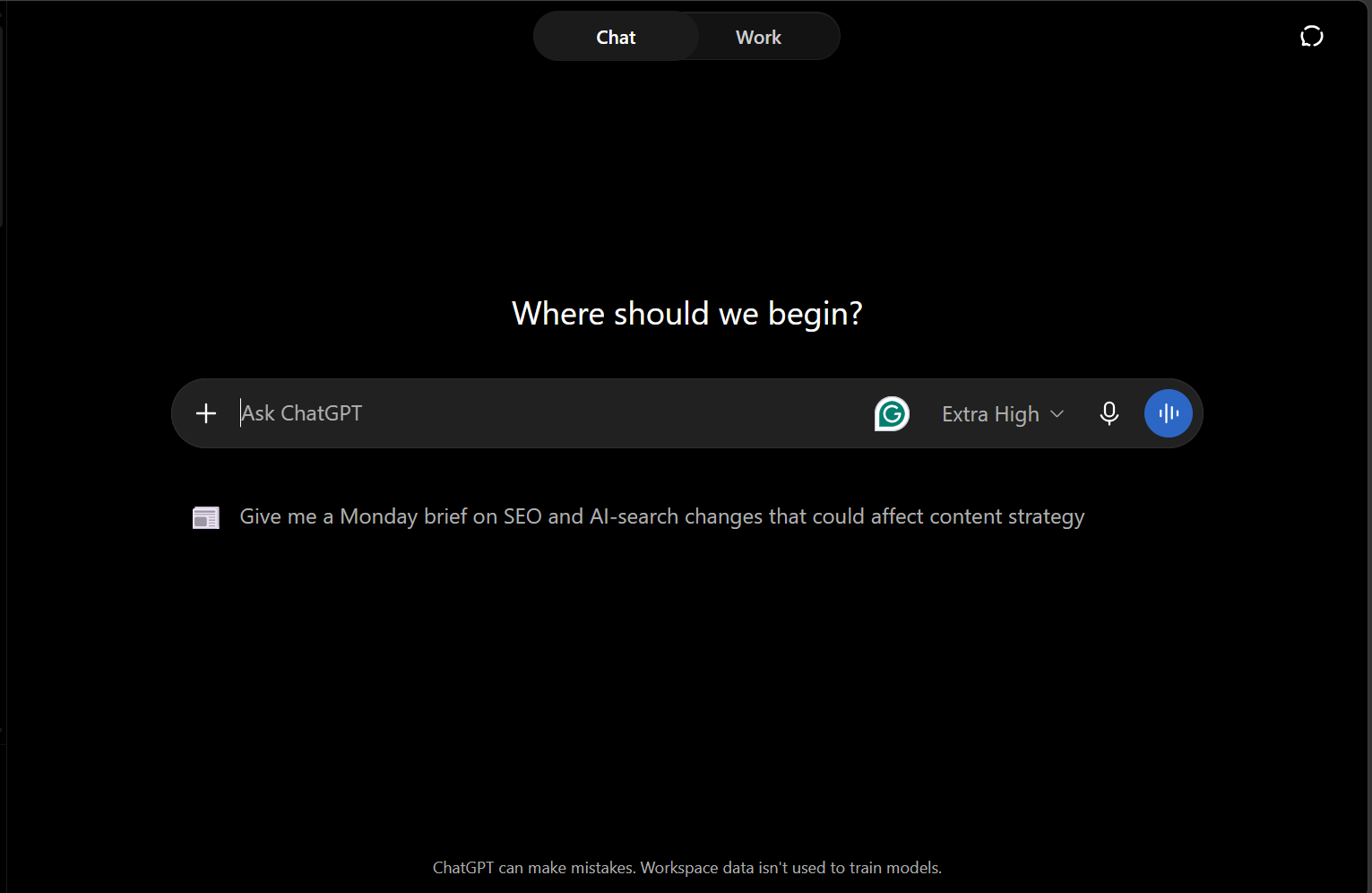
In a ChatGPT vs. Claude vs. Gemini vs. Grok comparison, ChatGPT is widely regarded as one of the most versatile AI platforms available today. It combines research, reasoning, writing, coding, data analysis, image generation, and workflow tools within a single AI assistant. Its broad adoption reflects its accessibility, although versatility does not necessarily mean it leads every specialized workflow.
Key features
ChatGPT combines multiple capabilities within the same platform, allowing users to move from quick questions to research, analysis, creative work, and customized workflows without relying on separate tools.
- Deep research: ChatGPT can search the web, uploaded files, and connected sources, then analyze and synthesize information into cited reports for research-intensive tasks and data analysis.
- Thinking mode: Thinking mode gives ChatGPT additional time to reason through complex problems, helping it compare alternatives, evaluate trade-offs, and solve multi-step challenges.
- Image generation: ChatGPT allows users to generate and refine visuals using natural-language prompts, making it useful for concepts, marketing assets, and other creative projects.
- Custom GPTs: Users in supported environments can configure specialized AI assistants with custom instructions, knowledge, and tools for specific tasks and workflows.
Strengths
ChatGPT’s biggest strength is its breadth. Its combination of general-purpose capabilities and workflow tools makes it useful for people who regularly move between different types of work.
- Versatility across many use cases: ChatGPT supports writing, research, analysis, coding, planning, and visual creation, making it a practical all-in-one tool for diverse workflows.
- Strong writing and content creation capabilities: ChatGPT can generate, rewrite, expand, and adapt content while maintaining logical flow, making it useful across a wide range of formats and audiences.
- Broad ecosystem and integrations: Its ecosystem includes connected apps, custom GPTs, and specialized tools that help users access information and manage workflows within a single platform.
- Ease of use for beginners: Most users can get started with simple natural-language prompts and no technical expertise, while the free version provides access to many core capabilities.
Limitations
ChatGPT’s broad capabilities also create trade-offs. These limitations matter most when specialization, accuracy, or consistent performance in a narrow workflow is more important than flexibility.
- May not lead every specialized use case: ChatGPT performs well across many tasks, but other models or dedicated tools may be better optimized for specific workflows.
- Can occasionally be overly agreeable: ChatGPT may sometimes reinforce a user’s assumptions instead of challenging them, particularly on subjective topics, making fact-checking and independent verification important.
- Performance can vary depending on task complexity: Results can vary depending on the context, instructions, and complexity of the task. Multi-step or highly specialized tasks may require clearer prompts or additional refinement.
Best use cases
ChatGPT delivers the most value when users need one flexible platform that supports creative, analytical, and productivity-focused work across different stages of a workflow.
- Content creation: ChatGPT supports ideation, drafting, editing, repurposing, and refining content across multiple formats.
- Marketing campaigns: ChatGPT can assist with market research, campaign planning, messaging, and content development throughout the marketing process.
- Brainstorming: ChatGPT helps generate ideas, outlines, creative concepts, and alternative approaches for projects and campaigns.
- Productivity tasks: ChatGPT can summarize information, organize plans, support multi-step tasks, and assist with workflow automation through available AI agent features.
Who should use ChatGPT
ChatGPT is best suited to users who need flexibility rather than a narrowly specialized AI tool. It works particularly well for people who regularly move between research, creation, analysis, and everyday productivity tasks.
- Content creators: ChatGPT is a strong fit for users who regularly write, edit, repurpose, and manage content across multiple channels.
- Marketers: Marketers can use ChatGPT for research, campaign planning, audience analysis, and content development within a single workflow.
- SEO professionals: SEO professionals can use ChatGPT’s web search and data analysis capabilities to support content research, keyword planning, competitive analysis, and optimization workflows.
- Students: Students can use the free tier for learning support, research, writing assistance, source discovery, and data analysis across academic tasks.
Claude (Anthropic)
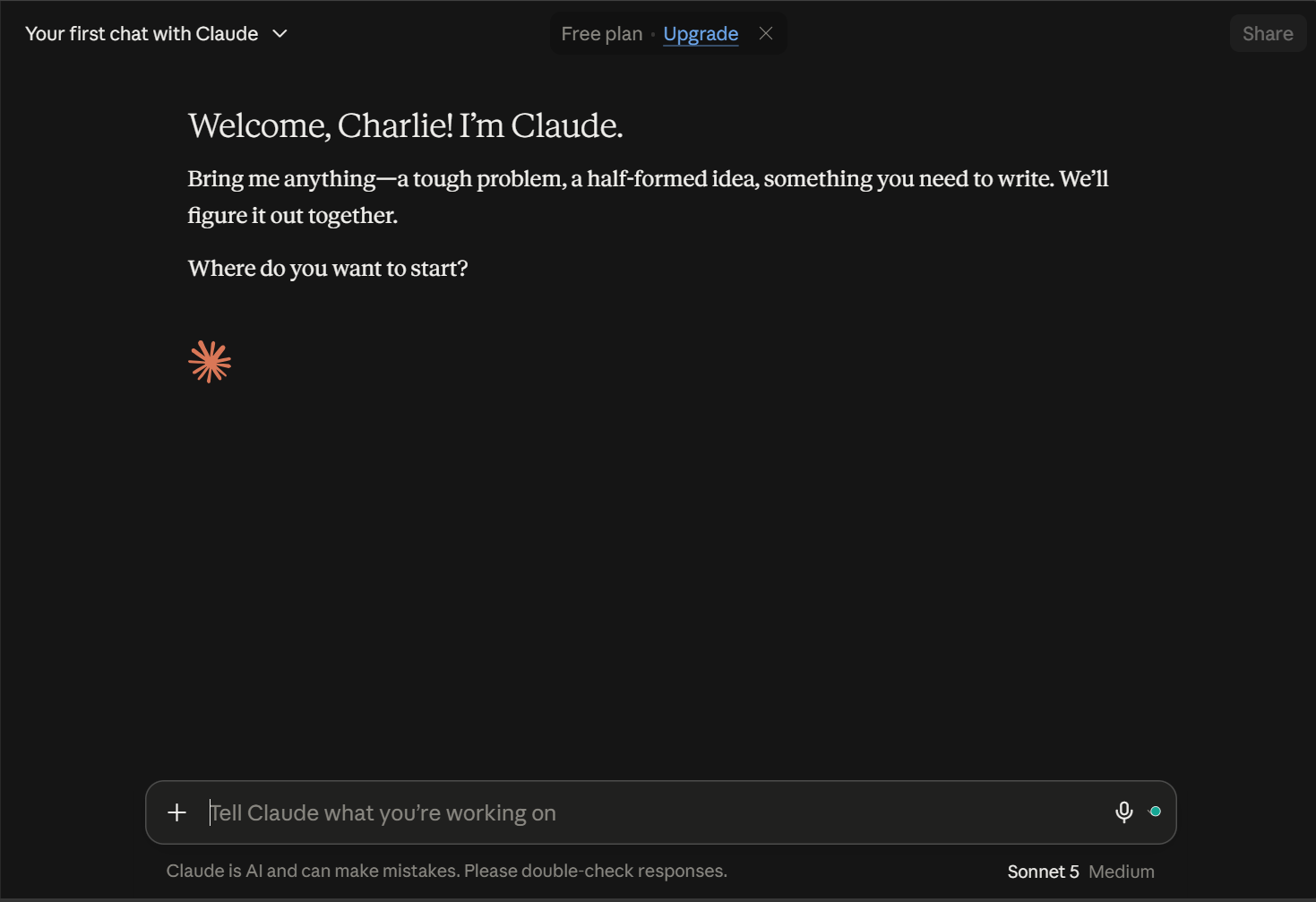
Claude is best known for thoughtful reasoning, long-form analysis, and its ability to work with large amounts of information while maintaining context. It is a strong option for users who prioritize depth, accuracy, and well-structured responses over extensive integrations or ecosystem features. Claude Code also extends the platform into software development and advanced coding workflows.
Key features
Claude’s core features are designed to support deeper analysis, sustained projects, content development, and technical work. They help users move from understanding a problem to creating and refining the final output.
- Adaptive thinking: Claude adjusts how much reasoning it applies based on task complexity, helping it tackle everything from simple questions to complex, multi-step problems.
- Claude Artifacts: Artifacts provides a dedicated workspace alongside the conversation where users can create, edit, preview, and refine content while maintaining continuity throughout a project.
- Claude Code: Claude Code supports software development by analyzing codebases, debugging issues, implementing changes, and assisting with technical workflows.
Strengths
Claude performs particularly well when users need to maintain context, reason carefully, or work through substantial amounts of information. This makes it especially useful for long-running projects and complex workflows.
- Handles large projects well: Claude offers one of the largest context windows among major AI assistants, helping users maintain coherence across lengthy documents, codebases, research materials, and multi-step projects.
- Natural and human-like writing: Claude handles long-form content with strong tone control and logical flow, making it useful when consistency matters across lengthy drafts.
- Strong coding support: Claude Code is designed for demanding software workflows, including reviewing, debugging, and refactoring large codebases.
Limitations
Claude’s strengths in deliberate reasoning and sustained analysis can create trade-offs for users who prioritize speed or broad ecosystem connectivity. These are practical considerations rather than major shortcomings.
- Less focused on real-time information: Claude supports web search and access to current information, but users who rely heavily on breaking news or rapidly changing topics may prefer platforms with deeper connections to live information sources.
- May take longer on complex tasks: Claude’s focus on careful analysis can sometimes result in slower responses when handling difficult or multi-step requests.
- Smaller integration ecosystem than some competitors: Claude’s integrations continue to expand, but some competing platforms offer broader native connections across productivity and business tools.
Best use cases
Claude delivers the most value when users need to understand large amounts of information, maintain consistency across long outputs, or reason carefully through complicated problems.
- Research and analysis: Claude can support research, source evaluation, information synthesis, and fact-checking across complex or document-heavy topics.
- Long-form content creation: Claude works well for articles, reports, white papers, thought leadership content, and other projects that require consistent structure and logical flow.
- Code reviews and technical documentation: Claude Code supports code review, technical explanations, documentation, and analysis of large codebases.
Who should use Claude
Claude is particularly well-suited to professionals whose work depends on sustained context, careful analysis, and well-structured outputs. It also provides significant value for users working with large documents or complex projects.
- Writers and content professionals: Claude is a strong fit for users producing long-form content where consistent tone, structure, and clarity matter throughout the project.
- Researchers and analysts: Claude’s research capabilities, analytical strengths, and ability to work with large amounts of information make it useful for reviewing reports, source materials, and complex findings.
- Developers and technical teams: Claude Code supports codebase analysis, software development, technical documentation, and advanced engineering workflows.
Gemini (Google)
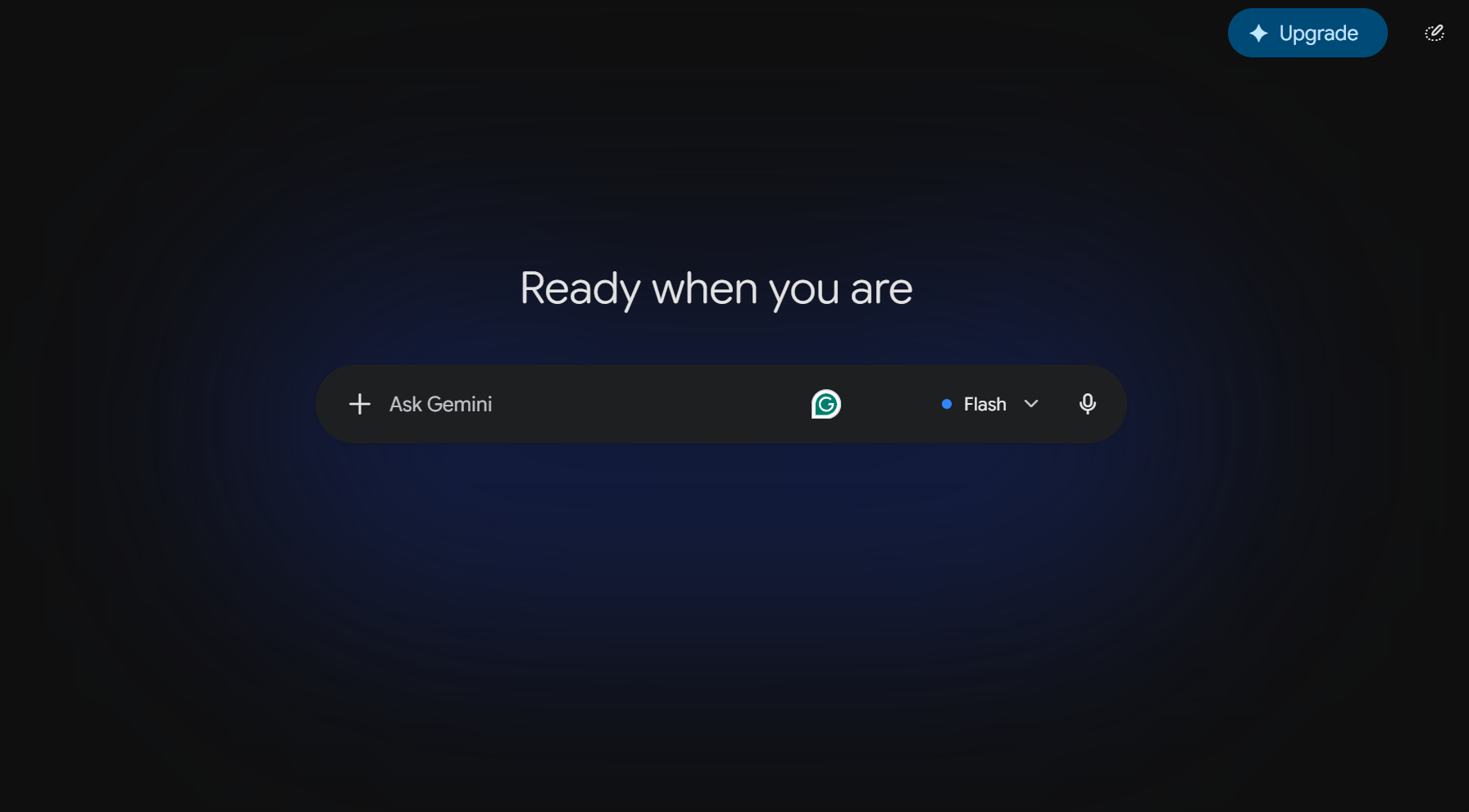
Google Gemini is an AI assistant built around productivity, collaboration, and workflow efficiency. Its biggest advantage is its connection to the Google ecosystem, particularly for Google Workspace users who already rely on Gmail, Drive, Docs, Sheets, and Slides. Its multimodal capabilities also extend Gemini beyond text into research, data, images, and other content formats.
Key features
Gemini combines research, content creation, and productivity features with access to Google’s broader ecosystem. This allows users to bring AI assistance into both standalone tasks and everyday workplace workflows.
- Deep research: Gemini uses Google Search to gather, analyze, and organize information into structured research reports.
- Google Workspace integration: Gemini connects with Google Workspace services such as Gmail, Drive, and Google Docs, helping users find information and complete tasks with less switching between applications.
- Canvas: Gemini Canvas provides a workspace for creating, editing, and refining documents, presentations, and code, supporting a wide range of professional and creative workflows.
Strengths
Gemini performs particularly well when AI needs to work alongside the tools and information users already rely on. Its integration with Google products makes it especially practical for connected workplace workflows.
- Ideal for Google-centric organizations: Gemini offers the greatest convenience for organizations already invested in Google Workspace, bringing AI assistance directly into familiar productivity tools.
- Seamless integration with daily workflows: Deep integration with tools such as Google Docs, Gmail, and Drive keeps AI assistance close to everyday work while supporting collaboration and productivity.
- Access to current information: Gemini can use Google Search to help users research current topics, gather up-to-date information, and evaluate recent developments, although important findings should still be verified independently.
Limitations
Gemini’s close connection to Google products is a major advantage, but its value can vary depending on a user’s existing tools and workflow. Like all AI assistants, its outputs require human review and verification.
- Gets the most value from Google’s ecosystem: Many of Gemini’s strongest features are tied to Google services, so users who rely on other productivity platforms may gain fewer advantages.
- Response speed may vary on complex tasks: Research-heavy, multi-step, or reasoning-intensive requests may take longer to complete.
- Less differentiated for non-Google users: Users who do not regularly work in Google Workspace may find fewer workflow benefits compared with organizations already invested in Google’s ecosystem.
Best use cases
Gemini delivers the most value when research, planning, collaboration, and content creation already happen across Google services and users want AI integrated into those existing processes.
- Project planning: Gemini can organize multi-step tasks, develop plans, summarize project information, and support collaboration across Google Workspace workflows.
- Document and presentation creation: Gemini can assist with reports, proposals, presentations, summaries, and other content directly through Google Docs, Slides, and related tools.
- Data-driven decision-making: Gemini supports research, data analysis, trend evaluation, and information gathering to help users compare options and make informed business decisions.
Who should use Gemini
Gemini is a particularly strong fit for users whose work already revolves around Google products. It can reduce friction by bringing research, creation, analysis, and productivity support closer to existing information and workflows.
- Business professionals: Gemini can help manage research, communications, planning, and productivity tasks within familiar workplace tools.
- Google Workspace users: Users who spend much of their day in Gmail, Google Docs, Drive, Sheets, and Slides are likely to benefit the most from Gemini’s deep integration.
- Researchers and decision-makers: Gemini combines research capabilities, Google Search access, and analytical tools to help users investigate topics, consolidate findings, and make better-informed decisions.
Grok (xAI)
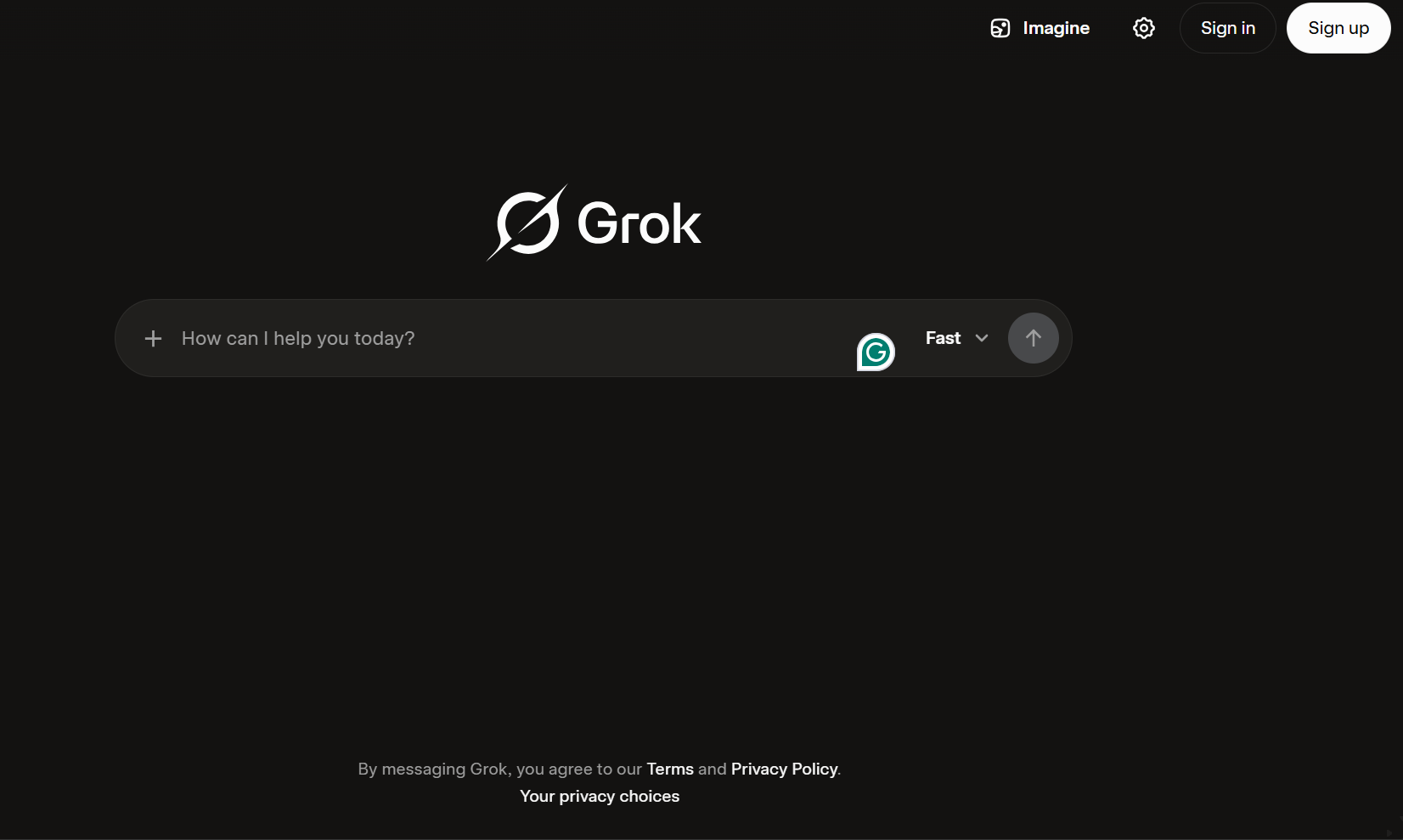
Grok is xAI’s AI assistant with a strong focus on current information, public conversations, and rapidly developing topics. Among the platforms compared here, its access to web search and X gives it a distinct advantage for real-time information gathering and trend monitoring. Grok has also expanded beyond search into reasoning, coding, content creation, and workflow automation.
Key features
Grok combines real-time search with reasoning and content-generation tools, helping users move from discovering current information to analyzing it and turning it into useful outputs.
- Deep search and research capabilities: Grok combines web search and X search to gather, analyze, and synthesize information from multiple sources, making it particularly useful for researching current events and rapidly changing topics.
- Think mode: Grok can apply additional reasoning to complex questions, helping users work through multi-step analysis, evaluate options, and solve more challenging problems.
- Content and document creation: Grok can help create reports, documents, presentations, spreadsheets, and other structured content based on conversations, research, and user instructions.
Strengths
Grok’s clearest differentiator is its ability to combine AI reasoning with information from the live web and X. This makes it particularly useful when timeliness and public conversation matter.
- Real-time access to information: Grok combines web search and X search to help users follow breaking news, developing stories, and other topics where current information is important.
- Strong trend monitoring: Access to X helps Grok identify emerging discussions, trending topics, and public reactions that can support market research and content planning.
- Fast answers to time-sensitive questions: Grok can combine search results with AI analysis to answer questions about current events and rapidly changing developments.
Limitations
Grok’s reliance on rapidly changing information creates trade-offs. Users should pay particular attention to source quality, verification, and how well Grok’s newer productivity features fit their existing workflows.
- Real-time sources still require verification: Information from the web and social platforms can be incomplete, biased, or inaccurate, making fact-checking and source evaluation essential.
- Newer productivity ecosystem: Grok now offers connectors, document tools, and integrations, but many of these capabilities are newer than those available on some competing platforms.
- Premium pricing for advanced access: A free version is available, but users who need higher usage limits or advanced features will generally need a paid plan. API access is priced separately.
Best use cases
Grok delivers the most distinctive value when users need to understand what is happening right now. Its combination of web search and X data makes it especially useful for trend-driven and time-sensitive workflows.
- Social media trend monitoring: Grok can track emerging conversations, audience interests, and trending topics on X, providing valuable inputs for market research and content planning.
- Real-time news and current events: Access to web search and X helps users follow breaking news and monitor developments as information evolves.
- Content creation based on trending topics: Grok can turn current events and emerging trends into ideas, content angles, and timely campaign concepts.
Who should use Grok
Grok is particularly useful for professionals whose decisions or content depend on understanding what people are discussing right now. Its biggest strength is bringing current information into everyday workflows.
- Marketers: Marketers can use trending topics, audience conversations, and real-time data to identify emerging interests and create more timely campaigns.
- Journalists: Journalists can use real-time search and trending-topic discovery to follow developing stories and identify areas that warrant deeper reporting.
- Social media strategists: Social media professionals can monitor discussions and trends on X to inform content strategies and identify emerging opportunities.
Find the perfect domain
Ready to register a domain name? Check domain availability and get started with Network Solutions today.
Which one should you choose?
The right AI platform depends less on which model is “best” overall and more on the tasks you need it to handle most often.
- ChatGPT: Choose ChatGPT if you want a versatile AI assistant for writing, research, data analysis, planning, brainstorming, and everyday work across a wide range of tasks.
- Claude: Choose Claude if your work depends on thoughtful analysis, long-form content, large documents, complex projects, or advanced coding workflows through Claude Code.
- Gemini: Choose Gemini if you already rely on Google Workspace and want AI integrated across Gmail, Drive, Docs, Sheets, Slides, and other Google tools.
- Grok: Choose Grok if staying on top of current events, trending topics, and rapidly changing information is a priority.
You do not have to choose just one platform. Different tasks often benefit from different AI models, and many professionals use multiple assistants as part of their workflow.
Our AI All-Access Pack brings ChatGPT, Claude, Gemini, and Grok together in a single subscription, making it easier to switch between models without managing multiple AI subscriptions. Whether you’re writing content, conducting research, analyzing information, brainstorming ideas, or planning projects, you can choose the model that best fits the task at hand.
The human element in an AI-driven work environment
AI adoption is already mainstream. HubSpot reports that 94% of social media marketers use AI in their workflows, yet 77% say authenticity matters more than production value. The takeaway is not to automate expertise away. Successful teams use AI to reduce repetitive work, accelerate research, and improve productivity while people remain responsible for strategy, judgment, fact-checking, and oversight.
- Set up AI-assisted workflows: Use AI for repeatable tasks, research, data gathering, and first drafts while people retain ownership of strategy, approvals, and final decisions. Define which tasks can be automated and where human review is required. Clear ownership helps maintain quality, accuracy, and accountability.
- Combine AI with human creativity: Use AI as a brainstorming, drafting, editing, and research partner. It can speed up the early stages of content creation, but people should refine the final output for originality, brand voice, context, and relevance. Human review and fact-checking also help prevent generic or inaccurate AI-generated content.
Frequently asked questions
There is no single best AI assistant. ChatGPT is a strong all-around option, Claude excels at thoughtful analysis and long-form work, Gemini fits Google-centric workflows, and Grok stands out for current information and social trends. The best choice depends on the work you need to accomplish.
Claude can be a better choice for long-form writing, in-depth analysis, large documents, and complex coding projects. ChatGPT offers greater versatility across writing, research, data analysis, image generation, and productivity tasks. The better option depends on your specific workflow and priorities.
Gemini can be a better fit for users who rely heavily on Google Workspace because it integrates with Gmail, Docs, Drive, and other Google tools. ChatGPT is often a better choice for users seeking a versatile AI assistant that supports a broader mix of creative, analytical, and productivity tasks.
Grok has an advantage when current information and social trends are the priority because it can draw from both web search and X. ChatGPT provides a broader general-purpose toolkit for writing, research, analysis, coding, and productivity.
Claude, ChatGPT, Gemini, and Grok can all support advanced coding tasks. The best choice depends on your programming language, workflow, development tools, and project requirements. Many developers use multiple AI assistants and choose the one that performs best for a specific coding task.
Context window sizes vary by model and product, and providers update them regularly. Claude, Gemini, ChatGPT, and Grok all offer models capable of working with very large documents and substantial amounts of information. If context window size is a key requirement, check the latest specifications from each provider before making a decision.
As of September 2026, U.S. monthly pricing starts at approximately $20 for ChatGPT Plus, $20 for Claude Pro, $19.99 for Google AI Pro, and $30 for SuperGrok. Free options are also available, while higher-tier plans provide additional usage allowances and advanced features. Pricing may vary by location, billing method, and future plan changes.
Note: Pricing is accurate as of the time of publication.
Yes. All four platforms offer some level of free access, although available models, usage limits, and advanced features differ. Paid subscriptions typically provide higher usage limits, priority access, and additional capabilities that make them more practical for frequent or professional use.
Find the AI approach that works for you
ChatGPT, Claude, Gemini, and Grok each have distinct strengths. The right choice depends on your workflow, priorities, and the tasks you want AI to support. More importantly, you do not need to rely on a single model for every task. Experiment with different tools, keep human judgment at the center of important decisions, and use AI where it genuinely helps you work more effectively.
If you want the flexibility to switch between models without managing multiple subscriptions, our AI All-Access Pack brings ChatGPT, Claude, Gemini, and Grok together in one place.
When you register a domain with us, you also get access to marketing tools such as Link in Bio, CRM, Marketing Calendar, and Email Marketing, helping you turn ideas into action and grow your online presence.